Why Event Teams Need More Than an Event App
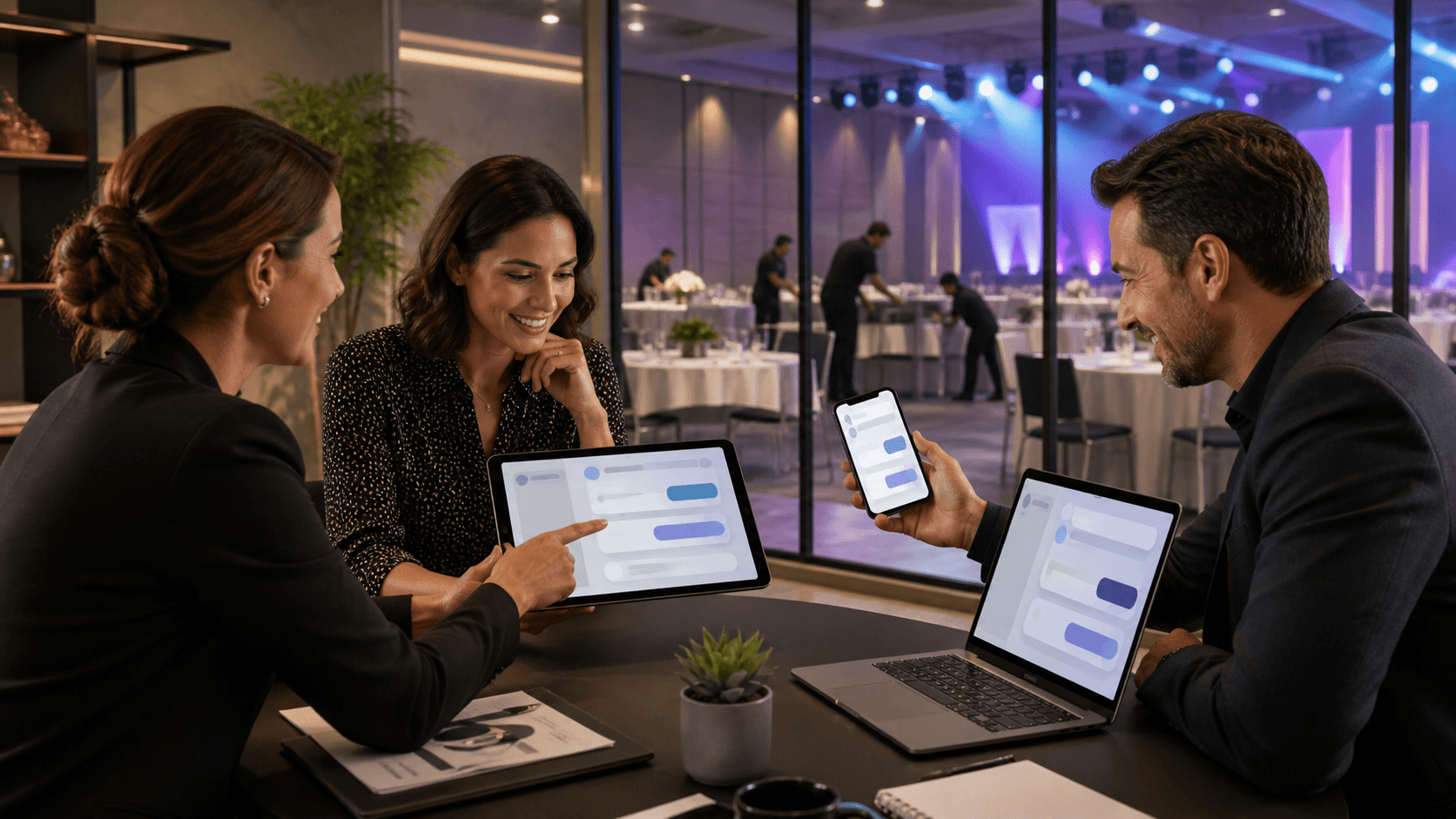
Event teams do not struggle to build agendas anymore; they struggle to keep people informed when things change fast. Schedules shift, rooms move, shuttles run late, and guests either miss push notifications or ignore the event app once they've downloaded it. The result is the same: confused attendees, repeated questions at help desks, and stressed staff trying to catch up.
Tools like the Cvent app and Concierge are built for very different parts of that problem. Cvent gives teams a powerful event management system with a mobile app that packages agendas, maps, and engagement tools in one place. Concierge focuses on being an event communication platform, centered on two-way SMS, broadcast text alerts, and live guest support that does not require a download. In this article, we will look at how teams actually talk about using the Cvent app for guest communication, where downloaded apps shine, where they fall short, and how Concierge fills the communication gaps so guests really know what is happening.
How Teams Actually Use the Cvent App for Communication
Event and hospitality teams often describe the Cvent app as their digital nerve center. They use it to publish the schedule, push planned updates, and keep all official information consistent. It tends to work well for content that can be prepared in advance and then referenced whenever guests need it.
Common communication use cases include:
- Sharing agendas, speaker bios, and session descriptions
- Sending in-app announcements when elements of the day adjust
- Providing maps, venue details, and floor plans
- Collecting ratings, surveys, and session feedback
Teams consistently praise the way everything lives in one branded space that connects back to registration and check-in. For multi-day conferences, this unified hub is especially helpful, since guests expect to browse content and explore features.
When they talk specifically about guest communication, though, we hear the same patterns:
- Many attendees ignore in-app notifications or turn them off
- Getting people to download and log in is surprisingly hard, especially for short events
- VIPs, busy executives, and international travelers often never adopt the app at all
So internal teams often treat the Cvent app as a powerful hub for planned content, but they start to look for other channels when they absolutely must make sure guests see a message in the next few minutes.
Where Downloaded Event Apps Fall Short for Guests
From the guest side, event apps introduce more friction than planners sometimes realize. There is a sequence that has to be completed before any communication can land in front of someone.
The typical hurdles look like this:
- Download the app from the app store
- Create or confirm an account, then accept terms
- Approve notification permissions and location access
- Search for or join the correct event
For ongoing programs, that might be acceptable. For a two-day summit or a single on-site program, many guests decide it is not worth the effort. Some do not want another app taking up storage. Others are on corporate devices that limit what they can install. Some simply hesitate to grant permissions to an event-specific app they will use for a short time.
Real-world behavior reflects that friction. When something is urgent, guests naturally check:
- Text messages
- Email or calendar invites
- WhatsApp or other everyday messaging tools
Event app notifications get buried among personal apps, or they never appear because alerts are disabled. This is where operational headaches show up for teams: people miss schedule changes, show up at the wrong room, stand in the wrong line, or arrive late to transportation because the only alert went out through a channel they were not actually watching.
If we want communication to work under pressure, an event communication platform has to meet guests where they already are instead of asking them to install something new just for a few days.
Concierge as a Purpose-Built Event Communication Platform
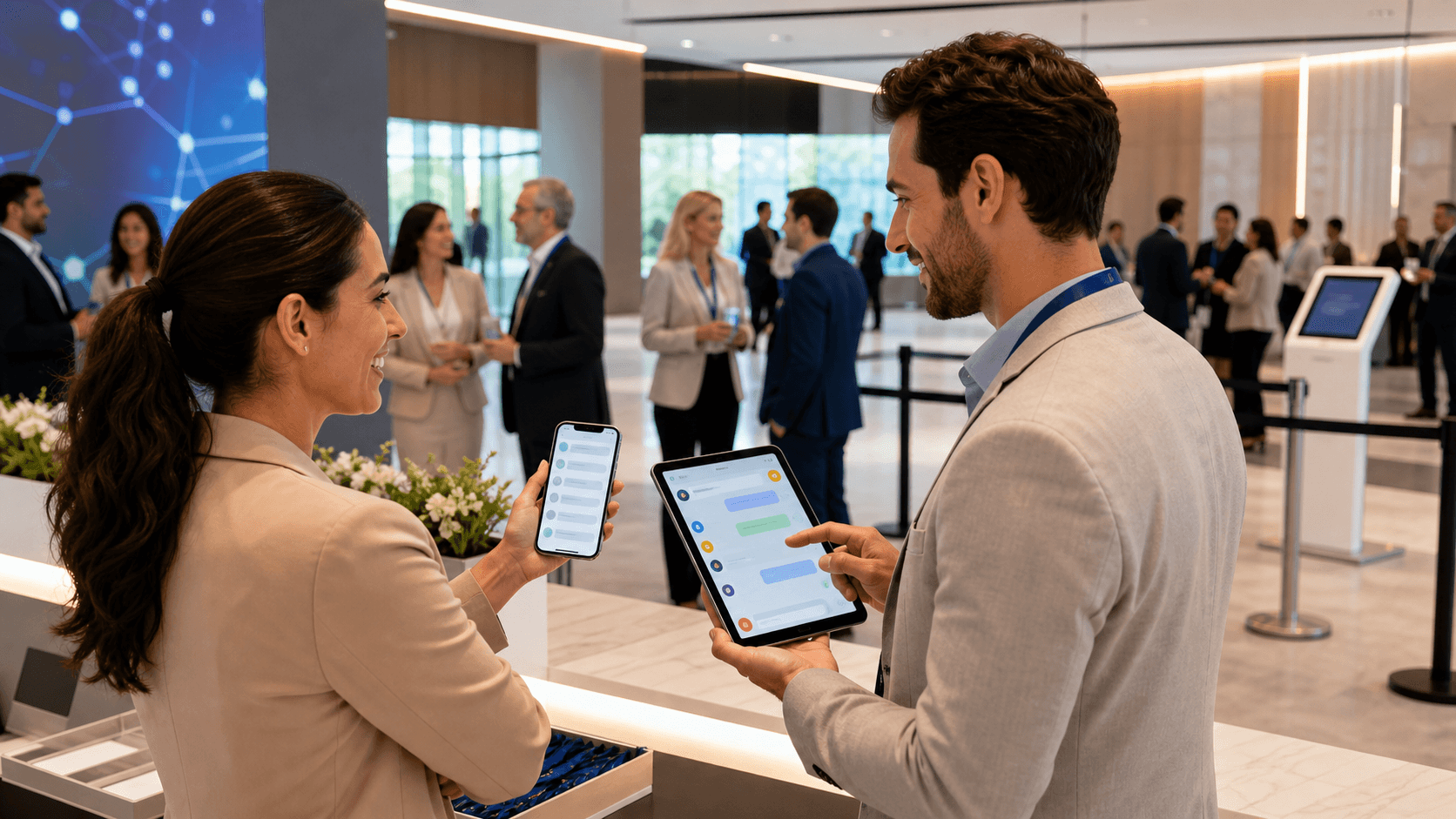
Concierge is our answer to that gap. Rather than building another app, we focus on the channel guests already keep open and in their hand all day: SMS. Concierge is an event communication platform built around fast, human, two-way communication.
Core capabilities include:
- Two-way SMS so staff can talk with guests in a natural, conversational way
- Broadcast text updates for schedule shifts, room changes, and transport alerts
- A live support inbox that gathers all guest questions in one place for the team
Compared with the app model, this approach keeps communication simple and direct. Guests do not have to download anything. They receive important information straight to their regular text messages. For time-sensitive details like arrival instructions, shuttle updates, or last-minute room moves, this visibility matters more than any feature list.
Teams tell us this feels especially helpful for:
- Non-technical attendees who rarely install event apps
- Executives who expect a white-glove, personalized experience
- International travelers who are juggling jet lag, local logistics, and multiple channels
Enterprise event and hospitality teams use Concierge around the globe for on-site texting stations, scheduled reminders, and centralized support during conferences and corporate programs. We fit alongside registration and event management tools instead of trying to replace them. Cvent can remain the source of truth for content, while Concierge becomes the operational communication layer that keeps everyone aligned in real time.
Strengths of the Cvent App vs. Strengths of Concierge
Viewed side by side, the strengths of the Cvent app and Concierge are complementary, not competitive. Each is designed for a different slice of the guest experience.
Teams typically rate the Cvent app highly for:
- Serving as a single hub for agendas, maps, documents, and engagement features
- Tying neatly into registration, check-in, and session tracking within the same ecosystem
- Providing value at longer, content-heavy conferences where guests are willing to invest time in an app
Concierge is usually preferred for guest communication when:
- You need to reach people quickly, even if they never open an app
- You want one-to-one support that feels like having a concierge desk in every pocket
- Your staff needs a faster way to answer FAQs and fix real problems in the moment
In practice, many enterprise teams combine both. They keep the Cvent app as a rich content hub and self-serve reference, while they rely on Concierge as the event communication platform for high-impact alerts and live texting with guests. From an enterprise perspective, the question becomes less about choosing a single system, and more about layering tools so each one does what it is best at.
Choosing the Right Mix for Confident Guest Communication
So the real decision is not Cvent app or Concierge. It is how you design a mix of tools that gives you confidence your guests always know what is happening, especially when things change quickly.
A simple way to think about it:
- If your top priority is deep content, agendas, and engagement features, an event app like Cvent is the right foundation
- If your top priority is reliable, two-way, real-time contact without downloads, you need an event communication platform like Concierge next to it
When you look back at your last event, pay attention to where things broke down. Where did guests miss information or show up late? Where did staff get overwhelmed answering the same questions over and over? In those moments, SMS-based, live support can transform guest communication from one-way app notifications into a personal, responsive experience that matches the standard you set for the rest of your event.
Streamline Your Next Event With Clear, Real-Time Communication
If you are ready to eliminate confusion and last-minute chaos, see how our event communication platform keeps every stakeholder aligned in real time. At Concierge, we built our tools to give you instant visibility into what is happening, where, and when across your entire event. Watch the short demo to understand exactly how we simplify updates, tasks, and on-site coordination. Then decide how you want to tailor the platform to fit your team and workflow.