Rethinking How You Communicate with Event Attendees
Enterprise and corporate events move fast, and so do the people attending them. Static apps and scheduled emails help with planning, but they rarely keep up with the questions, changes, and on-the-fly decisions that happen once guests are actually on site. When flights are delayed, rooms change, or executives need to be rerouted to a different entrance, you need communication that works as quickly as your team does.
Guestia is a strong event management platform with tools for planning and guest experience, and many of our clients rely on it for that. At the same time, those same teams tell us they feel limited when they try to use Guestia as their primary event communication platform during live programs. That is where Concierge comes in. We built Concierge specifically for real-time, two-way SMS and on-site coordination, so events have a dedicated layer for attendee communication that actually matches the pace of the event.
This comparison is for enterprise and corporate event teams that may already use Guestia successfully, but feel the pressure when it comes to live attendee communication. If you find yourself turning to email, group chats, or personal phones to fill gaps, this article is for you.
What Guestia Does Well for Event Teams
Guestia shines as a central hub for planning and guest-facing content. Many teams like it because it pulls together pieces that often live in different tools.
Some of the strengths we hear about most often include:
- Registration workflows that keep signups organized
- Clear itineraries and agendas for attendees and internal teams
- Tools to manage logistics like sessions, activities, and transportation
In practice, this means planners can keep key event details in one place. Attendees know where to find their schedule and event basics, and internal teams can refer to shared information instead of piecing things together from spreadsheets and emails.
Guestia is also known for providing a polished, branded digital experience. Event teams appreciate being able to:
- Create branded event pages guests can refer back to
- Share schedules and session details in a consistent format
- Add content hubs for documents, links, and key information
These features work especially well for multi-day conferences, corporate offsites, incentive trips, and VIP programs where you want a cohesive look and feel. The platform helps set expectations before guests ever arrive.
On the back-end, Guestia supports organization and visibility for stakeholders. Many teams use it to:
- Keep attendee profiles and key details in one system
- Share information across planning teams and partners
- Pull reports that give leadership a clear view of attendance and engagement
Because of this, Guestia often becomes the operational system of record for the event. It is where planners go to see who is coming, what they are doing, and how the program is structured.
Where Guestia Falls Short on Live Communication
Where the feedback starts to change is around live, two-way communication. Guestia includes communication features, but many teams tell us those tools feel one-sided in real-world use.
A common pattern looks like this:
- Attendees receive notifications or updates but cannot easily reply with questions
- Guests are unsure where to ask about arrival times, transportation, or room changes
- Staff end up fielding texts and calls on personal phones just to keep up
When guests have real-time questions, such as where to go for check-in, whether a session has moved, or how to handle a special request, a one-way update is not enough. They need a fast, simple way to ask a human and get a clear answer.
Relying on app notifications or email can also be tough when guests are on the move. People standing in a lobby or walking between venues are far more likely to glance at a text than refresh an app or open their inbox. If responses lag or messages are missed, you see the impact quickly in the form of:
- Confused attendees and repeated questions at help desks
- Lines forming at the wrong entrance or desk
- Unnecessary escalations as staff scramble to correct misunderstandings
To compensate, planners often layer on extra tools. It is common to see teams juggling:
- WhatsApp or other messaging apps for internal chatter
- Email for official updates that still get missed
- Personal phone numbers shared with VIPs or key attendees
This patchwork approach creates risk. Information is fragmented, context gets lost when staff hand off responsibilities, and leadership has limited visibility into what guests are asking and where friction is building.
How Concierge Fills the Communication Gaps
Concierge was built as an event communication platform first, not as a side feature of a planning tool. Our focus is on making real-time, two-way SMS a natural part of how your event runs.
Text messaging works especially well for live events because:
- Guests do not need to download an app or remember a login
- SMS has high open rates and shows up where people already pay attention
- Messages are easy to see while walking between sessions or stepping out of a meeting
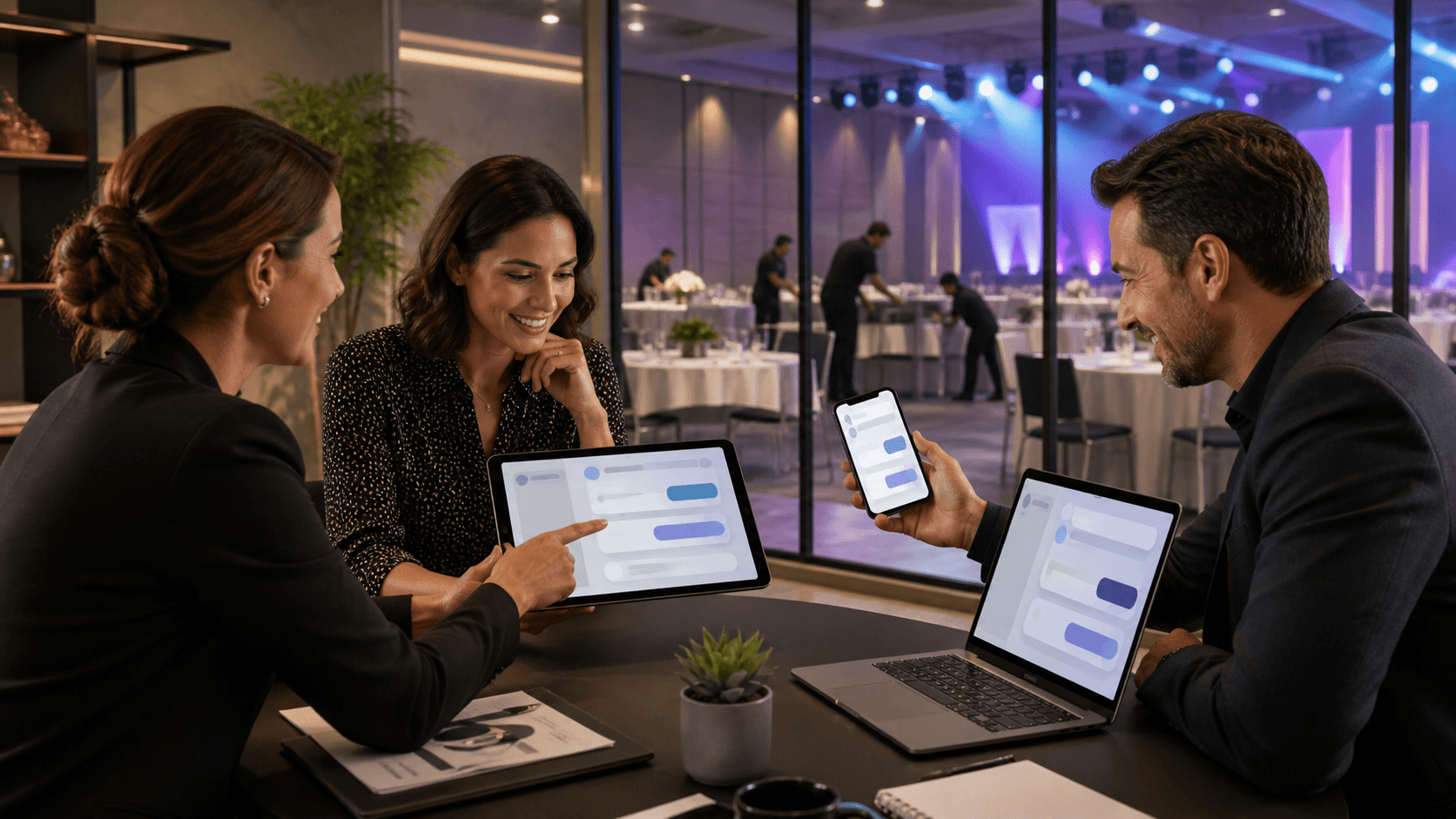
With Concierge, attendee communication centers around real two-way support. Guests can text to:
- Ask questions about where to be and when
- Request help with check-in, room keys, or transportation details
- Confirm timing changes or clarify instructions they are unsure about
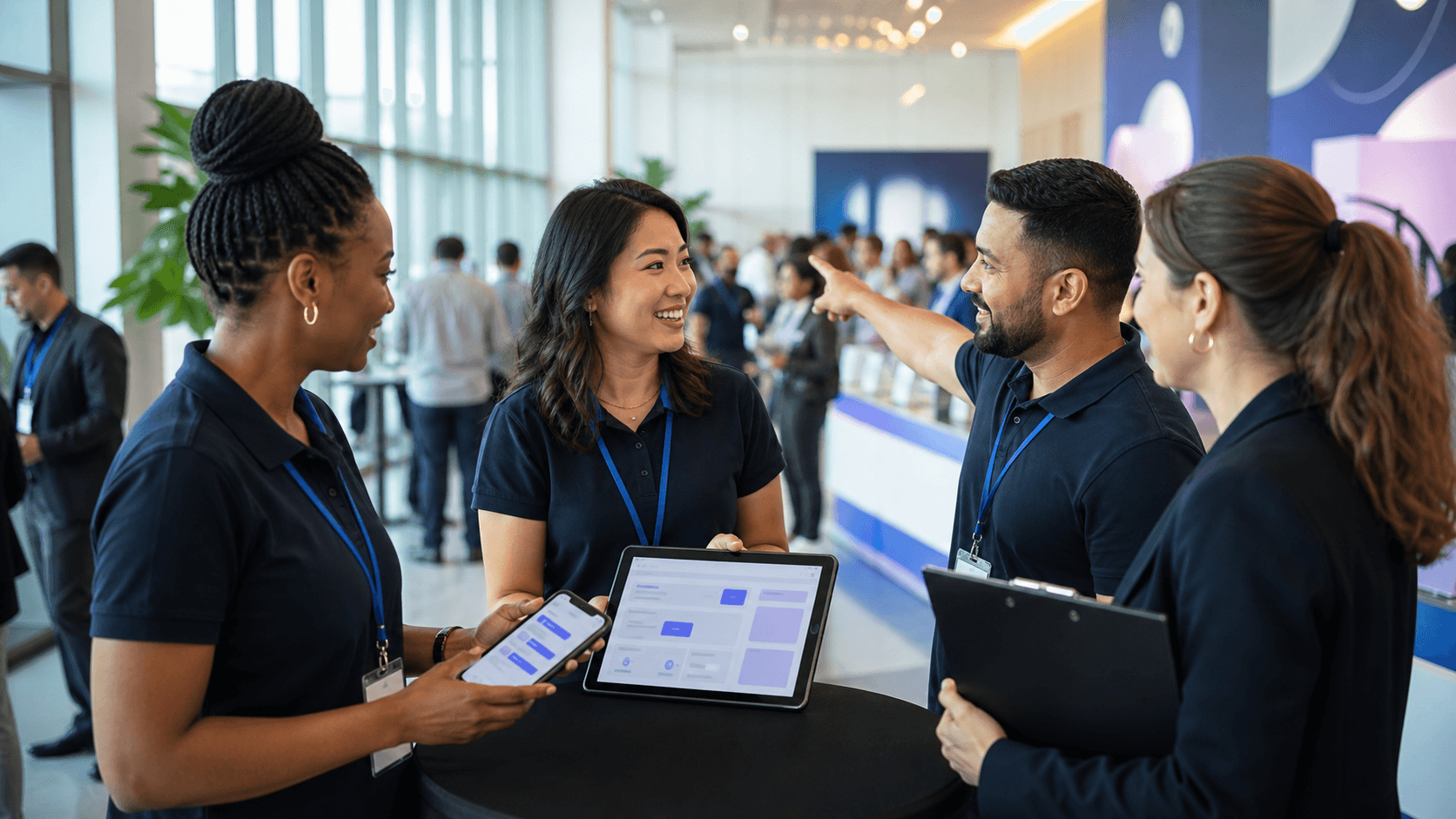
Your event team manages all of this from a centralized inbox instead of their personal phones. Conversations are assigned, tracked, and visible to the broader team, so you are not relying on one person's memory or private message history.
Broadcast updates are also far more effective through SMS. Concierge lets you send targeted texts for:
- Last-minute schedule changes
- Weather or transportation alerts
- Reminders about session start times or location changes
Because these messages land directly in text threads guests are already using, they are much more likely to be seen in time to matter. The result is fewer missed sessions, smoother transitions between venues, and clearer directions in the moments that count.
Working Alongside Guestia Instead of Replacing it
The goal is not to replace Guestia. For many teams, the best setup is Guestia for planning and Concierge for live communication.
A typical division of labor looks like this:
- Guestia manages registration, itineraries, agendas, and core logistics
- Concierge handles real-time attendee messaging, both one-to-many and one-to-one
In that model, Guestia remains the operational hub, while Concierge acts as the communication layer that sits on top. Your data and program structure stay where they are, but your conversations move into a channel built for speed and simplicity.
This combination also reduces noise for on-site teams. Instead of monitoring multiple apps, personal phones, and radios, staff can:
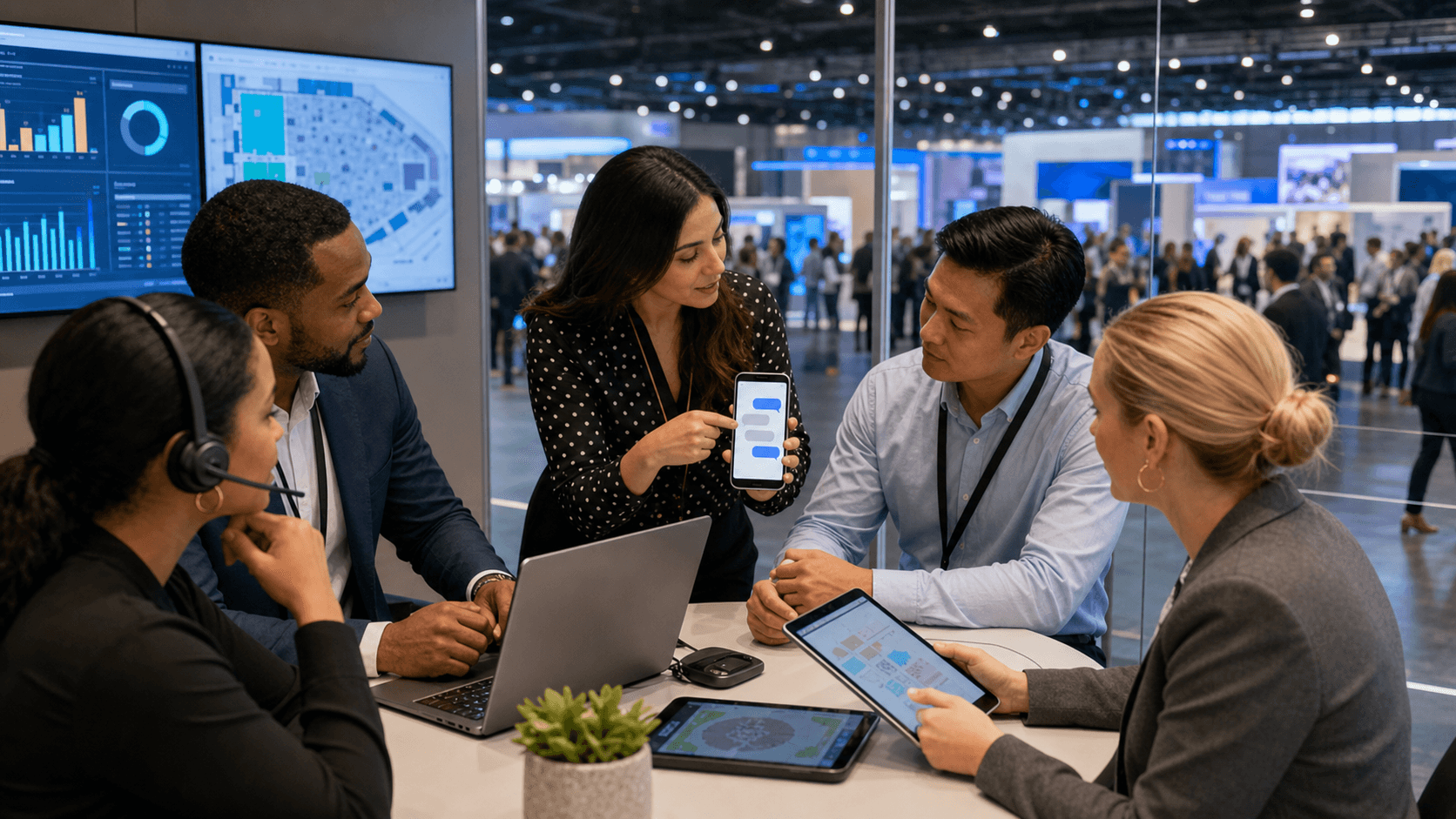
- See all guest questions in one centralized messaging workspace
- Follow clear workflows for assigning and resolving issues
- Keep a record of conversations for follow-up and post-event review
That kind of clarity has a ripple effect. There are fewer ad-hoc chats, fewer side calls to confirm what was said, and more confidence that guests are getting consistent information no matter who is responding.
For attendees, the experience feels more responsive from start to finish. Guestia gives them the structure, content, and schedules they need, while Concierge gives them an easy way to raise a hand in the moment and get help. Over time, this leads to better feedback, stronger engagement, and fewer unwanted surprises for organizers.
Choosing the Right Toolset for Confident Event Delivery
When we look across events, the pattern is consistent. Guestia is strong for planning, content, and stakeholder visibility, and many teams want to keep it that way. The gap appears when you ask it to also be your primary event communication platform for real-time, two-way messaging at scale.
If you are already using Guestia, it can help to ask a few pointed questions:
- Where are attendees still confused or waiting for answers?
- When do staff resort to personal phones or side group chats?
- Which updates are getting missed or acknowledged too late to act on?
Those are usually the moments where a dedicated SMS layer like Concierge makes the biggest difference. By pairing Guestia with a communication tool built specifically for live, two-way texting, you give your event a clearer nervous system, so information can move quickly and reliably between your team and your guests.
When that is in place, you are not hoping guests saw a push notification or opened an email. You have a direct, simple line to every attendee and a single place for your team to manage the conversation.
Transform Your Next Event With Clear, Real-Time Communication
If you are ready to eliminate missed messages and confusion at your next gathering, we can help you centralize every update in one place. Concierge gives your team and partners a shared source of truth so everyone knows exactly what to do and when. Explore how an event communication platform can simplify coordination, reduce stress, and keep your event running smoothly. Reach out to our team so we can help you design a communication workflow tailored to your specific event needs.