Designing an Event Text Command Center for On-Site Teams
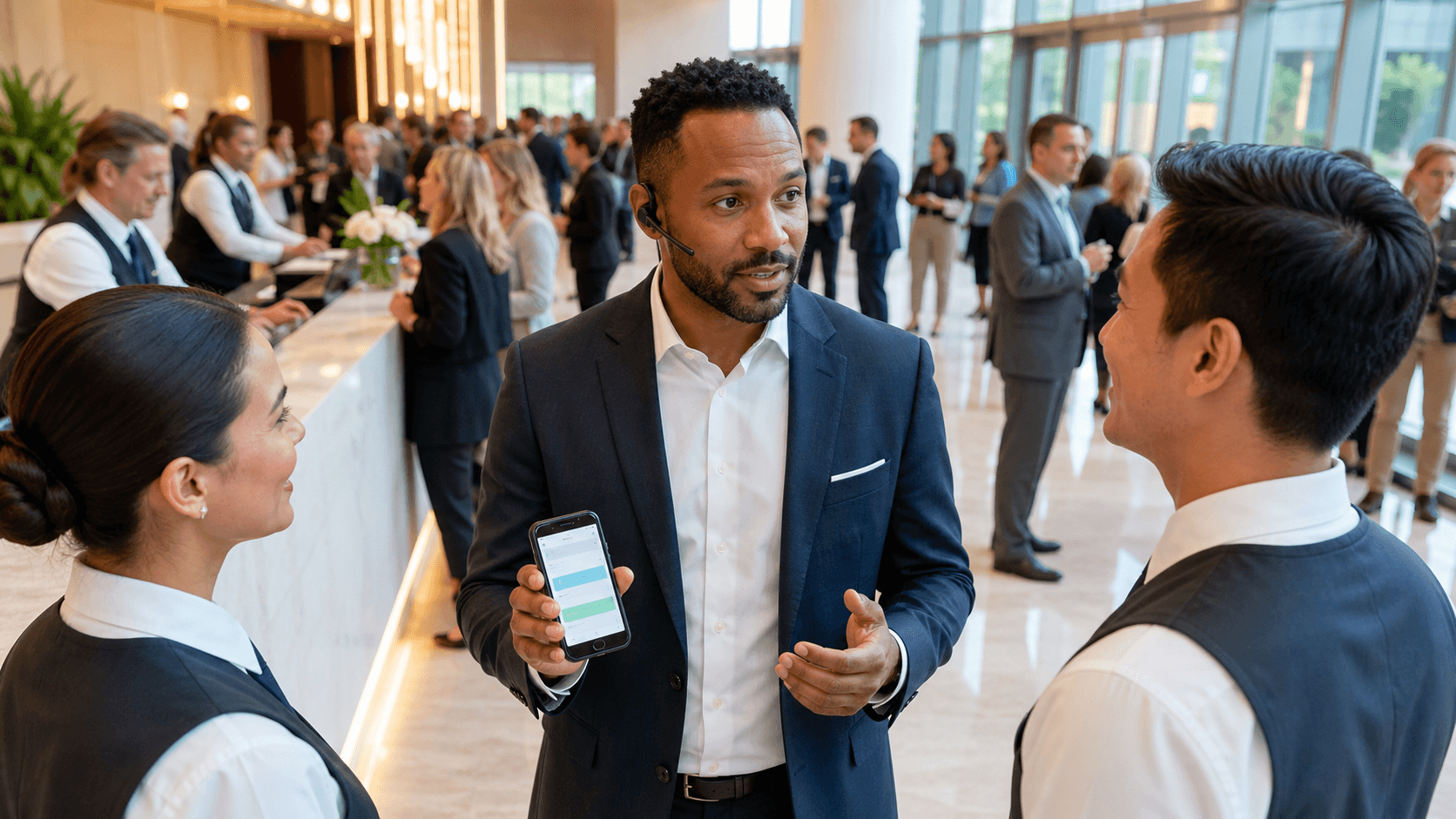
Running a live event always feels a little like flying a plane while you are still putting the wings on. Attendees are asking where to go, vendors need answers, and staff are juggling radios, walkie-talkies, and group chats. When messages are scattered, stress goes up and guest experience drops fast.
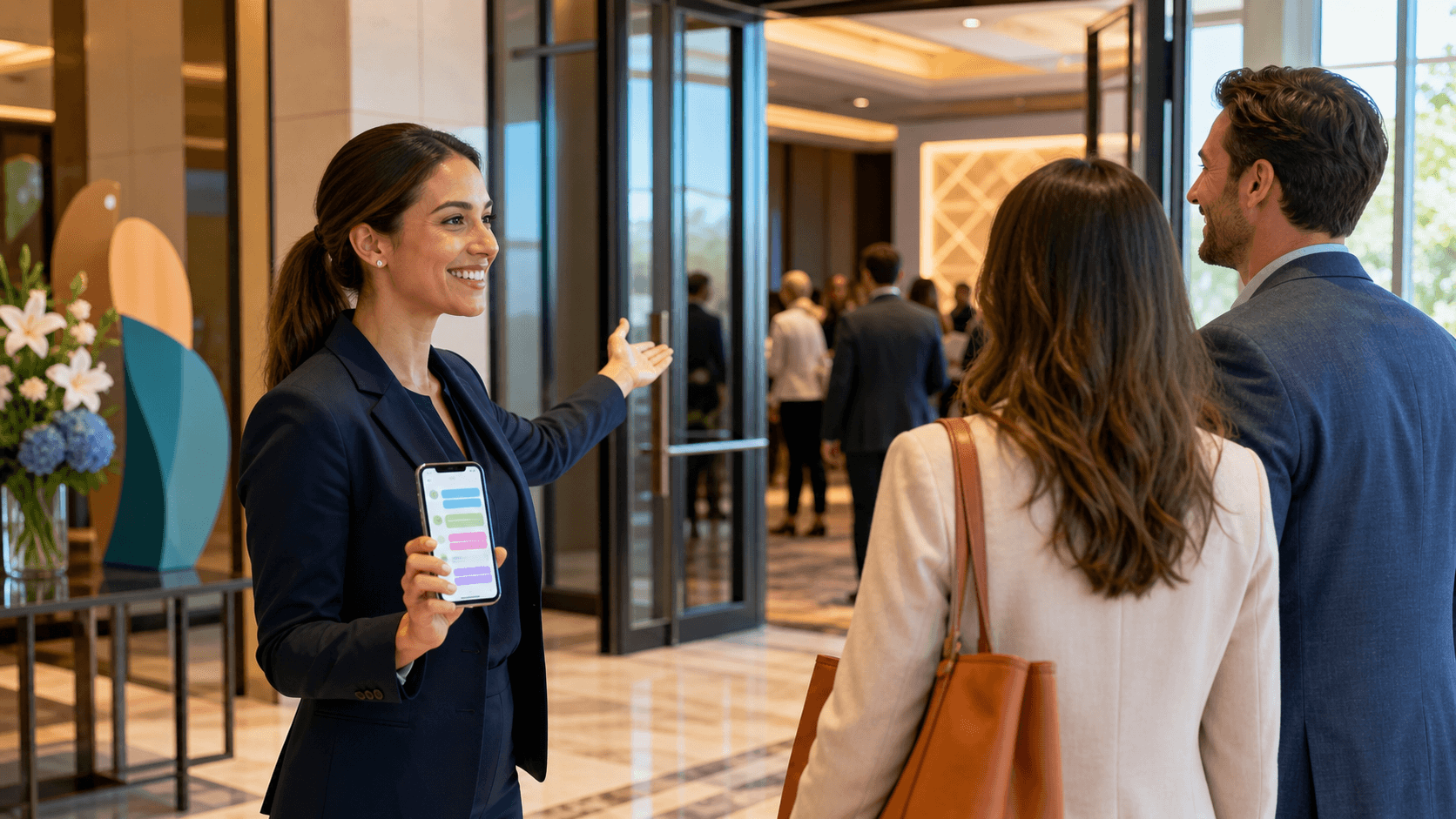
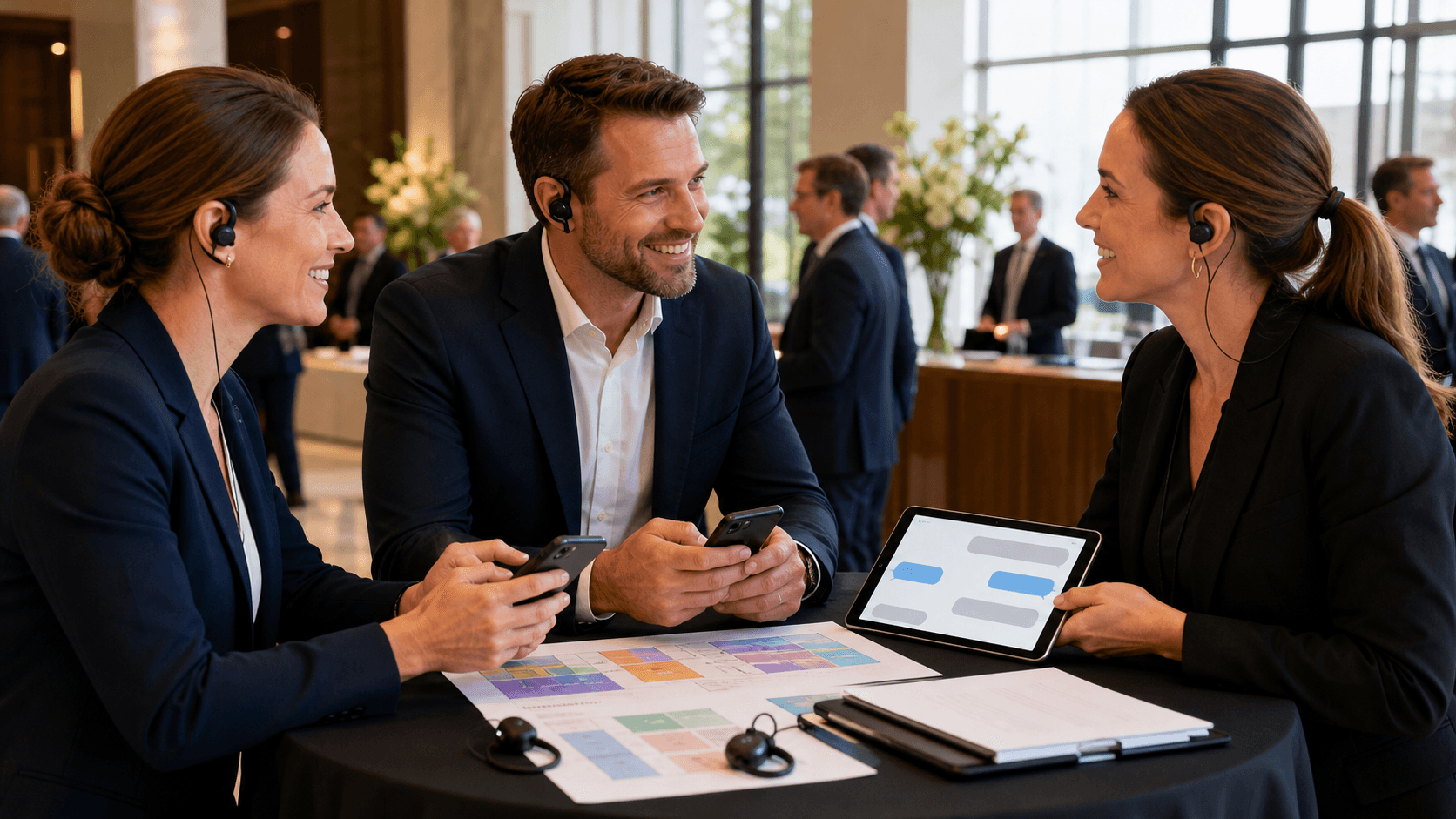
A text command center pulls all that noise into one clear place. Your team answers attendee texts, sends alerts, and offers live support from a single event communication platform. In this guide, we will walk through how to design that command center, from goals and roles to workflows, tools, and training, so your on-site team feels calm and your guests feel taken care of.
Clarify the Mission of Your Text Command Center
Before picking tools or setting up tables, decide what success looks like. Your command center is not just a help desk. It is the brain of real-time guest communication.
Clear objectives usually include fast replies to attendee questions, consistent and accurate information across the team, and full coverage of common needs like wayfinding, schedule changes, accessibility, transport, and support.
It also helps to map the guest journey from first text to final goodbye so your team knows what types of messages will show up at each phase. That includes pre-arrival info like entry times, parking, and what to bring; arrivals and check-in details, especially if lines grow; room or session changes and schedule shifts; on-site support for tech issues, lost items, or comfort needs; and departure logistics like shuttles, ride shares, and closing reminders.
Set simple service levels so everyone knows the standard. Define response time targets for normal and urgent questions, establish clear rules for what counts as urgent and who handles it, and align on what "resolved" looks like for common issues.
Tone also matters. Decide how your team will speak over SMS, what can be confirmed in writing, and when to move from text to a phone call or in-person help. Short, clear, kind messages are usually best, especially when guests might be stressed or rushed.
Build the Right On-Site Team Structure
A great command center is more about people and process than about fancy hardware. Even at a single venue, it helps to set roles instead of having everyone answer everything.
Common roles include:
- Command center lead to oversee the whole operation
- Routing coordinator to assign conversations and watch queues
- Guest support agents to answer attendee texts
- Escalation contacts for operations or production decisions
To keep things moving quickly under pressure, be specific about ownership and decision rights across the team. For example, clarify who drafts and sends broadcast updates, who approves sensitive alerts (like safety or big schedule changes), who handles data lookups in registration, ticketing, or seating tools, and who monitors volume, response times, and any missed messages.
Coverage is another big piece, and it should be planned rather than improvised. Plan how many agents you need by expected attendee count, how shift handoffs will work so context is not lost when staff change, and whether remote or hybrid staff can support during peak hours.
Create playbooks for the issues you know will come up, like:
- Late shuttles or traffic delays
- Last-minute room or stage changes
- Speaker delays or tech problems
- Long lines at registration or food
- Accessibility support and wayfinding
- VIP or speaker assistance that needs special handling
When everyone knows their lane and has a playbook, they can move much faster under pressure.
Design Workflows and Configure Your Event Communication Platform
Now turn that structure into simple, repeatable workflows. Start with triage: every new text should be tagged quickly so it goes to the right person or queue. Common categories are info request, logistics, tech issue, emergency, and feedback.
Templates are your friend. Build saved replies for:
- Directions and wayfinding
- Wi-Fi info and tech basics
- Parking and transport
- Registration hours and policies
- Session locations and capacity notes
- Code of conduct and safety reminders
Escalation should be crystal clear so agents never have to guess in high-stakes moments. Decide what types of messages get escalated and how fast, who owns each kind of decision (like changing a room or calling security), and how to log the final decision so all agents respond with the same message.
Add quick quality checks to keep replies accurate and consistent as things change throughout the day. Have a lead spot-check a sample of replies for tone and accuracy, run short stand-ups to share new issues or changes, and update templates as the event evolves.
Your event communication platform is the engine behind all this. At Concierge, we built our platform so teams can manage:
- Two-way SMS with attendees and staff
- Broadcast messaging for fast alerts
- Conversation history, tags, and search
- Multi-user access for on-site and remote teams
Configure it to match your event:
- Separate inboxes for attendees, staff, exhibitors, sponsors, or VIPs
- Smart routing rules so messages land with the right group
- Careful automation like after-hours auto-responses or keyword replies for simple questions
Connecting your platform with registration or a CRM can help agents see key attendee details without hopping between tools, which keeps replies personal and quick.
Set up Space, Dashboards, Training, and a Living Playbook
Once workflows and tools are in place, set up the physical command center. Choose the right mix of equipment and location so your team can work quickly and communicate easily. That typically includes laptops or desktops as the primary workstations, tablets or phones for roving staff who still need access, and a quiet, central spot with room for quick huddles.
Plan for backup Wi-Fi, spare power strips, and simple failover steps so communication keeps going even if the venue internet blips. Use signage and internal channels so staff across the site know where the command center lives and how to request help with messaging.
Real-time dashboards keep you ahead instead of chasing problems. Helpful metrics include:
- Average response time
- Resolved conversations per hour
- Message volume by time of day
- Top question categories
When you spot spikes, like lots of texts about one entrance or one session, you can share that with operations and send a proactive broadcast before frustration grows. Over time, these insights will highlight common bottlenecks such as unclear signs or confusing transport plans.
Training pulls it all together. Give your team hands-on time in the platform: searching, tagging, using templates, and juggling multiple conversations without losing context. Run practice days that mimic real event stress, with surprise room changes or sudden volume spikes.
After each event, hold a structured review. Look at metrics, gather feedback from agents, and update scenarios and playbooks; message templates and routing rules; and escalation paths and staffing models.
Your text command center becomes a living system that gets a little better each time. At Concierge, our whole focus is helping event teams turn that stream of attendee questions into calm, clear, two-way communication that keeps events running smoothly and guests feeling supported from first text to final farewell.
Streamline Your Next Event With Smarter Communication
See how Concierge can simplify real-time updates, vendor coordination, and attendee messaging with our event communication platform. In just a few minutes, you will discover how we help teams cut through confusion and keep every stakeholder aligned. If you are ready to reduce stress and improve the experience for everyone involved, explore the demo and start planning your next event with more confidence.