Keeping Attendees Informed During Urgent Situations
Clear communication at live events is essential. Corporate programs, hospitality activations, conferences, and large meetings all rely on one thing when plans change unexpectedly: fast, accurate communication with the people in the building. When minutes or even seconds matter, event attendee notifications can be the difference between confusion and a smooth adjustment.
Unexpected event changes can take many forms. A power issue in one wing of the venue, a weather-related schedule adjustment in a city like Houston, a transportation disruption, a delayed session, or a closed event area can all require coordinated updates. Guests need to know what is changing, what to do next, and where to go, without guessing or relying on rumors.
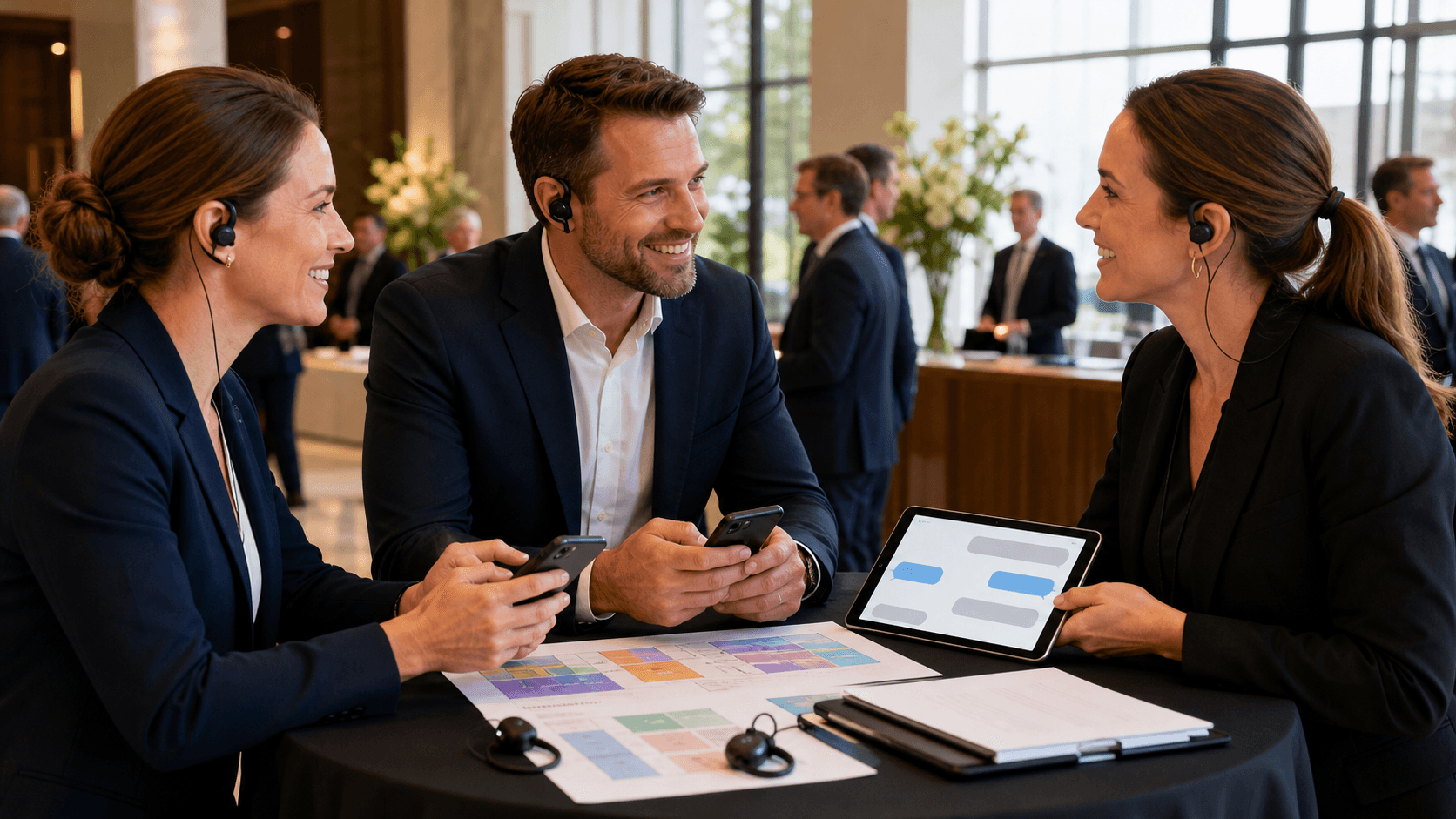
That is where Concierge comes in. We are an online guest communication platform that helps event and hospitality teams manage real-time and scheduled text messaging with attendees. On a normal event day, that might mean sharing agenda reminders or transportation updates. During an urgent operational change, it means rapidly sending clear updates, coordinating attendee flow, and answering attendee questions in real time, all in one place.
In this article, we will walk through how Concierge supports urgent event attendee notifications, helps teams communicate changing plans, and gives organizers the communication tools to stay steady under pressure, even when conditions change quickly.
Why Rapid Communication Matters for Urgent Event Updates
When something unexpected happens, people look for information first. If they do not get it quickly, they start filling in the gaps themselves, which often leads to crowding, hesitation, or confusion. Fast, consistent event attendee notifications give everyone in the building a common picture of what is happening and what to do next.
Relying only on traditional tools can leave gaps, especially in large or multi-space venues. Public address systems might not reach every hallway or outdoor activation. Printed signage cannot adjust in real time if a route suddenly becomes unavailable. Staff runners can only move so fast, and they may be asked different questions that lead to slightly different answers.
Concierge is built to give teams a single messaging hub that supports:
- Clear, written directions that attendees can re-read
- Quick updates that match what venue and event teams are saying
- Two-way conversations when someone needs clarification
- Coordinated messaging across all rooms, floors, or buildings
By centralizing communication, we help event teams create one source of truth. Attendees get aligned instructions instead of conflicting hallway conversations. Our tools are meant to work alongside existing venue systems and protocols, not replace them. Your PA system, floor wardens, security team, emergency services, and official emergency procedures still matter, and event teams should follow venue and emergency-service guidance in an actual emergency.
How Concierge Delivers Urgent Updates in Real Time
When plans change quickly, organizers do not have time to stitch together a communication plan from scratch. They need a way to send specific, timely updates to everyone affected, without overwhelming people who are not impacted. Concierge supports this with real-time, targeted messaging designed for live events.
Event teams can quickly:
- Send a text to all attendees in seconds when a venue-wide update is needed
- Target specific groups, like people in a particular ballroom, floor, or outdoor area
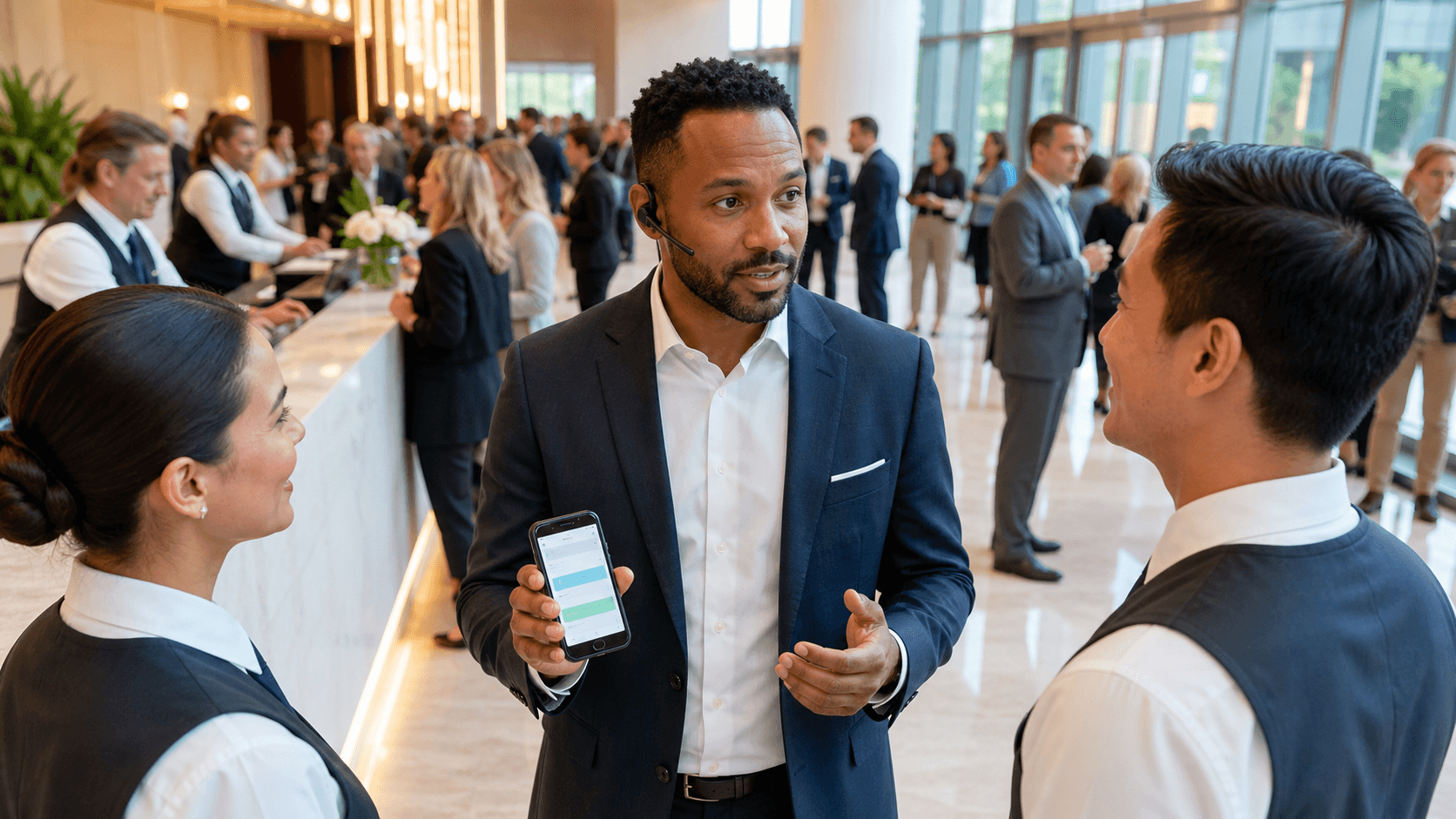
- Message internal staff, vendors, or VIPs separately with operational instructions
Preset templates help teams move even faster. Before an event, organizers can set up customizable language for:
- Venue access changes, including updated entry points or check-in locations
- Weather-related schedule adjustments or outdoor programming delays
- Transportation changes, such as suspended shuttles or altered pickup points
- Room changes or closed event areas that require updated guest instructions
When time is tight, these templates give teams a practical starting point, so they can tweak names, locations, or timing without rethinking the entire message. Concierge focuses first on direct text messaging, with the ability to support multi-channel redundancy if teams choose to add other methods. This increases the odds that urgent updates are actually seen.
Delivery tracking and basic reporting help organizers confirm that messages have gone out. While no system can guarantee that every single attendee reads every update immediately, having visibility into message status gives teams more confidence that their communication plan is working as intended.
Coordinating Attendee Flow During Unexpected Changes
Sending an initial update is only the first step. Adjusting plans for hundreds or thousands of people is a coordinated effort that often needs multiple rounds of communication. Concierge helps event teams guide attendees through unexpected changes with clear, step-by-step instructions.
In practice, this can look like:
- Sharing which entrances, rooms, or event areas are open and which ones are temporarily unavailable
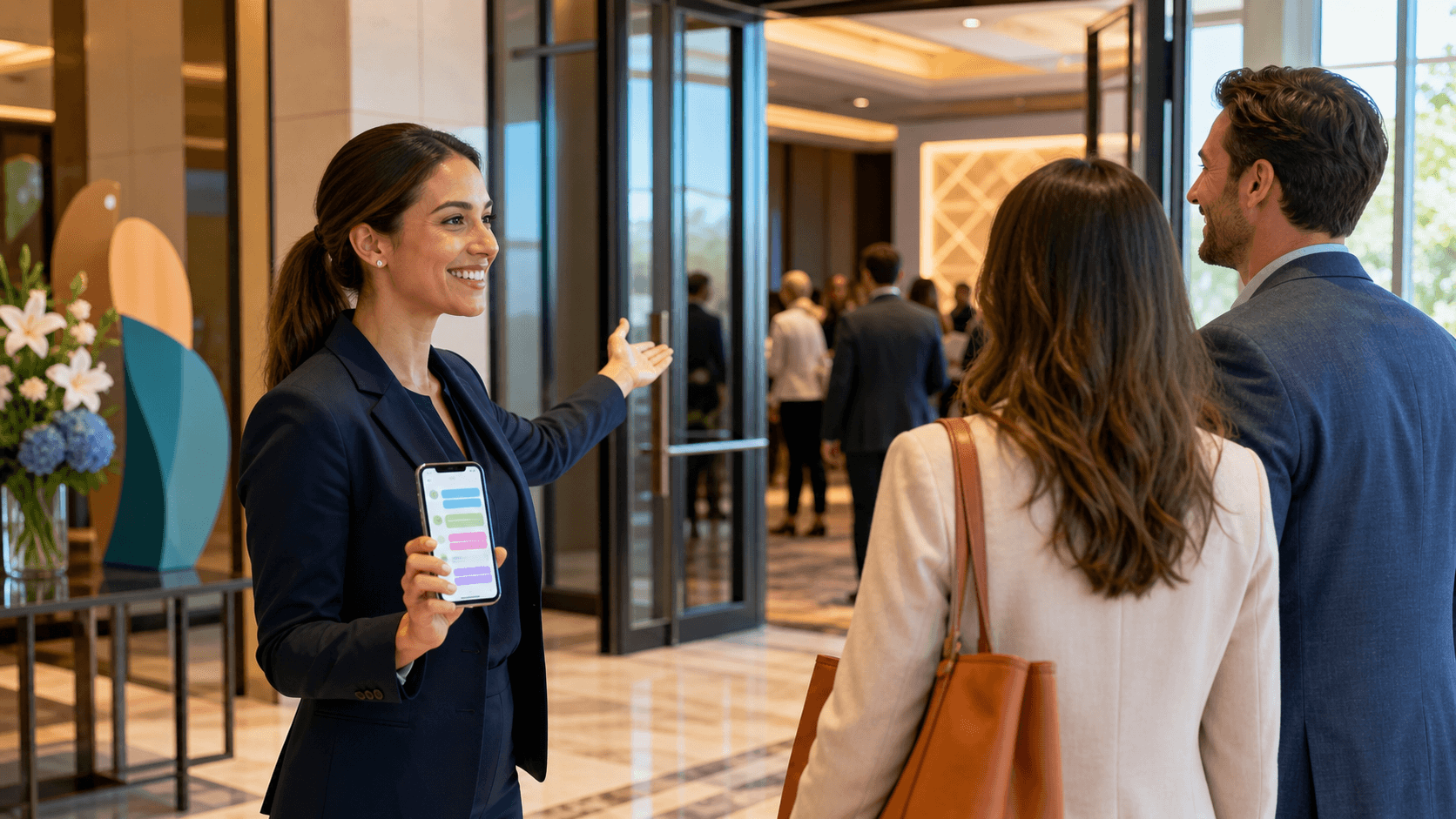
- Directing guests to updated check-in locations, transportation pickup points, or alternate programming spaces
- Staggering arrival times by floor or room to prevent bottlenecks
- Following up with confirmation messages once schedules, locations, or access details are finalized
Segmentation is especially important. Different groups often need different directions. With Concierge, organizers can tailor messages for:
- General attendees who need updated schedule or location details
- VIPs who may have specific transportation or hospitality arrangements
- Staff and vendors who need operational tasks and coordination points
- Production crews or support teams managing equipment and tech
As conditions change, real-time messaging lets teams update routes, open alternative gathering spaces, or shift programming to another area. If an entrance becomes congested or weather shifts, a quick follow-up update can redirect attendees to available options.
Clear, consistent communication can also lessen uncertainty. When people know that organizers are actively providing updates, they spend less time wondering what is next and more time following the latest event information. During fast-moving changes, even a short message that confirms the plan is still in effect can be reassuring.
Turning Lessons Into Stronger Urgent Communication Workflows
Strong urgent communication does not start with the first unexpected change. It starts before the event, when teams rehearse how they will use their tools. Concierge gives organizers ways to set up and test their workflows so they are not improvising when plans shift.
Ahead of an event, teams can:
- Configure role-based access so the right staff can send specific types of updates
- Run test messages to internal groups to confirm everything works as expected
- Build and review template libraries for different event changes and venues
- Align communication language with operational workflows and venue protocols
After the event, there is a chance to learn and improve. Concierge can help teams review what was sent, when it went out, and how attendees responded. This makes it easier to answer questions like:
- Did we update people early enough?
- Were our instructions clear, or did we get a lot of follow-up questions?
- Did any groups miss key messages because they were not properly segmented?
Over time, organizers can create a consistent playbook that reflects their venues, regions, and specific operational needs, including recurring concerns like severe storms in areas such as Houston. Instead of reinventing messages every time, teams refine a shared set of templates that stay ready year-round.
Collaboration matters here too. Working with venue teams, internal operations teams, and local partners ahead of time helps everyone understand how Concierge will be used when fast decisions are required. That alignment reduces friction and builds confidence when events do not go as planned.
Building Confident Events with Timely Updates
No platform can prevent every unexpected change, but a strong communication layer can help teams keep attendees informed when plans shift. Event attendee notifications are not just a box to check; they are a core part of event design that affects how supported people feel on site.
By using Concierge to centralize real-time messaging, plan ahead with templates, and coordinate targeted updates when conditions change, event organizers can build events that are better prepared for the unexpected. Clear, consistent communication helps guests find the information they need, reduces confusion during changing plans, and supports the staff who are working hard behind the scenes.
Thoughtful planning, regular testing, and a reliable guest communication platform give teams a foundation to stay calm when every second counts. That preparation helps teams manage time-sensitive changes with confidence, so attendees stay informed instead of left in the dark.
Streamline Event Attendee Notifications for Urgent Updates
If you are ready to keep every guest informed without juggling multiple tools, we can help you centralize and automate your event attendee notifications. At Concierge, we work with your team to build clear, timely messaging that fits your run-of-show. Share your event details with us, and we will help you design a notification flow that reduces confusion and last-minute questions. Reach out today so we can map out a communication plan tailored to your next event.