Why Event Texting Matters for Live Experiences
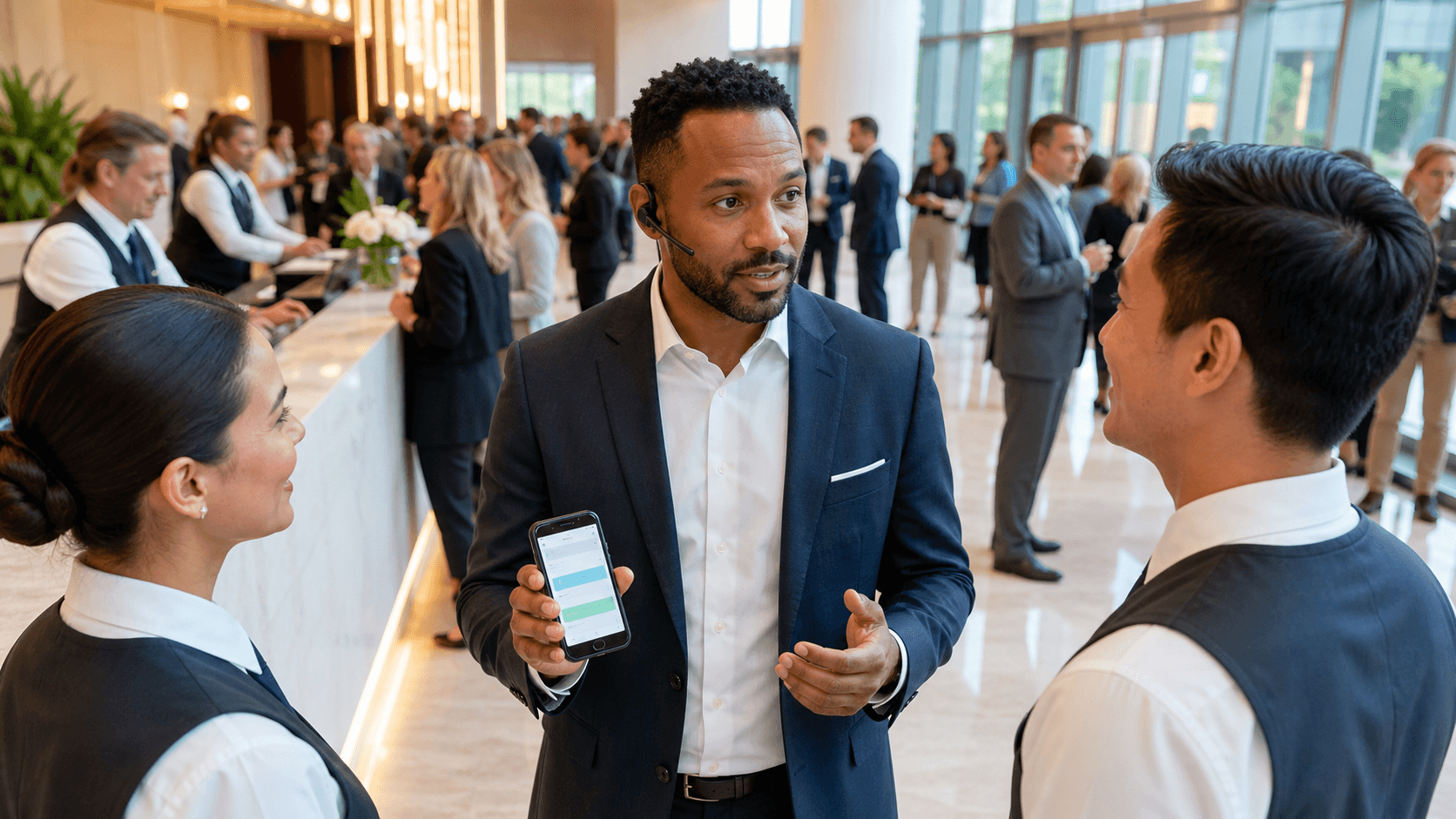
Event teams live and breathe timing. If a room change, transportation delay, or agenda tweak does not reach attendees fast enough, the day gets stressful very quickly. Event texting services exist to fix that problem by meeting attendees where they already spend their time: on their phones, in their SMS inbox.
When we talk about event texting services, we mean platforms, apps, and tools that let you send both broadcast alerts and two-way SMS conversations before, during, and after your events. They support everything from simple reminders to full guest help desks. In this article, we will break down which features matter most, how leading platforms are commonly evaluated in independent reviews, and how purpose-built tools fit among other options.
Core Features to Look for in Event Texting Services
The right platform starts with how it handles one-way and two-way communication. Broadcast-only systems push alerts out to a list, such as “Session starts in 15 minutes” or “Shuttles now departing from the main entrance.” Two-way texting adds a conversational layer so attendees can reply with questions, requests, or feedback, and your team can respond in real time.
For event teams, that two-way layer usually depends on shared inboxes and routing. Multiple coordinators need to see the same conversations, assign them, and avoid stepping on each other.
Key collaboration features to look for include:
- Shared inbox views for all attendee questions
- Conversation assignment and internal notes
- Basic routing rules to direct texts to the right team or property
- Clear indicators for new, open, and resolved threads
Scalability and reliability are just as important. Event texting services should handle both a small executive meeting and a multi-day conference without you worrying about whether messages are going through. Independent reviews often focus on deliverability, consistent throughput at peak times, and overall uptime. Many providers support different phone number types, such as shortcodes and long codes, which can affect speed and familiarity for attendees.
Automation and scheduling keep your team from manually sending every reminder. Strong platforms support:
- Scheduled messages and reminders tied to agenda items
- Segmentation by role, track, hotel, or VIP level
- Keyword-based auto-replies for FAQs like “WiFi” or “Shuttle”
- Workflows that tap into registration data so the right people get the right information
Finally, integrations and analytics turn texting from a stand-alone channel into part of your event stack. Integrations with registration platforms, CRMs, marketing automation, and event apps help keep data consistent. Useful metrics usually include delivery rates, response rates, opt-out trends, and even engagement by session or segment so you can see where attendees needed the most help.
Guest Communication Tools Built for Live Events
Some event texting platforms are built specifically around live guest communication for corporate and hospitality events. While many event texting services center on campaigns, these specialized tools focus on managing real-time attendee questions and needs during the program itself, especially on-site. Attendees text a dedicated number, your team replies from a shared inbox, and every conversation stays tracked.
Inside these tools, shared inboxes let multiple planners and coordinators work together without losing context. You can:
- View all active attendee conversations in one place
- Assign messages to specific team members
- Track status so nothing falls through the cracks
- Keep a clean history of each guest’s past questions
Alongside that conversational layer, many platforms also support broadcasts and scheduled messaging. Event teams use them for day-of reminders, transportation updates, and segmented alerts for different attendee types, all without forcing guests to download a dedicated app. When agendas shift, you can push out targeted updates in minutes, so everyone knows where to be and when.
Some services include an optional live support layer for events that expect high message volume, helping handle incoming texts during peak times and working alongside your staff. Many self-service-only tools put all the workload on your internal team, while reviewers often note that additional live support can feel like an extra set of hands specifically for live events.
How General and Event-Focused Texting Platforms Compare
When people search for event texting services, they often find general SMS marketing platforms first. These providers usually shine in broad SMS campaigns, automation, and flexible APIs that allow custom event workflows.
Independent reviews typically highlight:
- Strong scheduling and drip campaigns
- Good keyword support and list management
- Powerful APIs for teams with technical resources
- Wide use across many industries, not just events
There is also a set of event-focused communication tools, such as event app messaging add-ons or registration systems with built-in SMS. These often handle attendee notifications, reminders, and staff coordination around logistics. Reviews tend to describe them as convenient for pre-event and post-event messaging, while noting that their texting features may feel secondary to registration or agenda management.
Across many review sites, a consistent theme appears. General SMS tools and all-in-one platforms often excel at:
- Campaigns and alerts
- Basic automation and segmentation
- Integrations for marketing or registration data
The gaps reviewers mention usually surface when events need high-volume, real-time attendee conversations during show-hours. That is where specialized event texting services and guest communication platforms stand apart.
Event Apps and All-in-One Platforms with SMS Add-Ons
Many event apps and all-in-one platforms now offer SMS as one more notification channel, alongside push notifications, in-app chat, and email. These systems centralize registration, agendas, maps, and networking in one place, while texting is layered on as an optional way to nudge attendees.
There are tradeoffs between those SMS add-ons and dedicated texting platforms. Built-in modules are convenient because data already lives in one system of record, but independent reviews often mention:
- Limited flexibility in advanced SMS workflows
- Less intuitive views for high-volume, two-way conversations
- Constraints around segmentation and routing compared to standalone tools
An all-in-one platform tends to work best when you run recurring internal meetings, association conferences, or multi-track programs that require a single hub for everything. For events where real-time responsiveness and operational control are the top priority, many teams pair these systems with a dedicated texting platform so onsite staff get a cleaner, faster environment for live guest support.
Comparing Reviews to Choose the Right Partner
When you read independent reviews across leading event texting services, a few themes stand out. Non-technical teams care deeply about ease of use, especially when new staff or vendors join close to show time. A clear interface, straightforward onboarding, and simple imports from your registration data can make the difference between confident usage and last-minute stress.
Event planners also pay close attention to:
- How quickly they can segment attendees and send an urgent broadcast
- Whether conversation views make it easy to see what is new or unresolved
- How simple it is for multiple team members to share a single inbox
Support quality during live events shows up in many reviews. People notice if support teams respond quickly when there is an issue, especially outside typical business hours. Extended support windows and proactive monitoring are often cited as key decision factors.
Finally, reviewers frequently call out event-specific capabilities as must-haves:
- Fast audience segmentation by track, property, or role
- Instant broadcasts that do not require complex setup
- Two-way guest help desks that can handle ongoing conversations
- Clear message history for each attendee
Event texting services that focus directly on these needs tend to serve live programs more effectively, while many generic SMS tools remain optimized primarily for marketing campaigns. The best fit for your team usually depends on how important live, two-way guest communication is compared to broader messaging and automation.
Make Your Next Event Run Smoother With Real-Time Guest Messaging
Ready to give your attendees clear, timely communication at every stage of your event? At Concierge, we use our event texting services to simplify guest coordination, reduce confusion, and keep your team aligned in the moment. Whether you are planning a conference, gala, or VIP experience, we tailor messaging workflows to match your guest journey and staffing needs. Reach out to our team so we can help you design a texting strategy that supports a more seamless, memorable event.