Rethinking Event Communication Beyond the App Download
Texting for events works better than most event apps because it meets attendees where they already are: their SMS inbox. Corporate and hospitality events keep getting more complex, with multiple tracks, VIP experiences, shuttles, and security needs. At the same time, attendees have less patience for downloading yet another app, setting up a profile, and turning on push notifications they may never see again.
In this article, we will look at why traditional event apps often disappoint both guests and teams, and how a simple text-first approach solves many of those problems. We will define what texting for events actually looks like, compare common app frustrations to straightforward SMS workflows, and explain how an online guest communication platform like Concierge makes those texts organized, scalable, and professional.
Why Traditional Event Apps Frustrate Attendees and Teams
Most event teams know the feeling of begging attendees to download an app, only to see disappointing adoption. Between Wi-Fi issues at venues, slow app store downloads, multi-step registrations, and forgotten passwords, engagement often stalls before it starts. Guests end up with half-finished profiles and missing notifications, while planners are stuck juggling email, signage, and last-minute announcements from the stage.
Common adoption and login headaches include:
- Attendees ignoring app links in pre-event emails
- Poor venue Wi-Fi delaying downloads and updates
- Confusing logins and password resets at the registration desk
- Multiple apps competing for attention on the same device
Even when attendees do download the app, they often struggle to find what they need. Schedules, room changes, and speaker updates live behind layered menus, icons, and tabs that feel more like a software training exercise than a helpful guide. Push notifications get buried among social media alerts, and guests are left asking staff for basics like where to go next.
Typical complaints about event app interfaces include:
- Schedules hidden behind multiple taps and filters
- Confusing icons for simple things like maps or support
- Long lists of features that do not matter on site
- Push alerts that are easy to miss or swipe away
Then there is real-time help. Many event apps are set up as static information hubs, not true two-way tools. In-app support often feels slow or gets ignored because attendees are unsure it is monitored. When someone is standing in a crowded lobby and cannot find the next session, a ticket-like chat that may or may not ping a staff member does not inspire much confidence.
How Texting Delivers Frictionless, Real-Time Event Updates
Texting for events takes a different path. Instead of asking guests to download and learn an app, we send information through SMS, which every attendee already knows how to use. There is nothing to install, nothing to update, and nothing to troubleshoot on site.
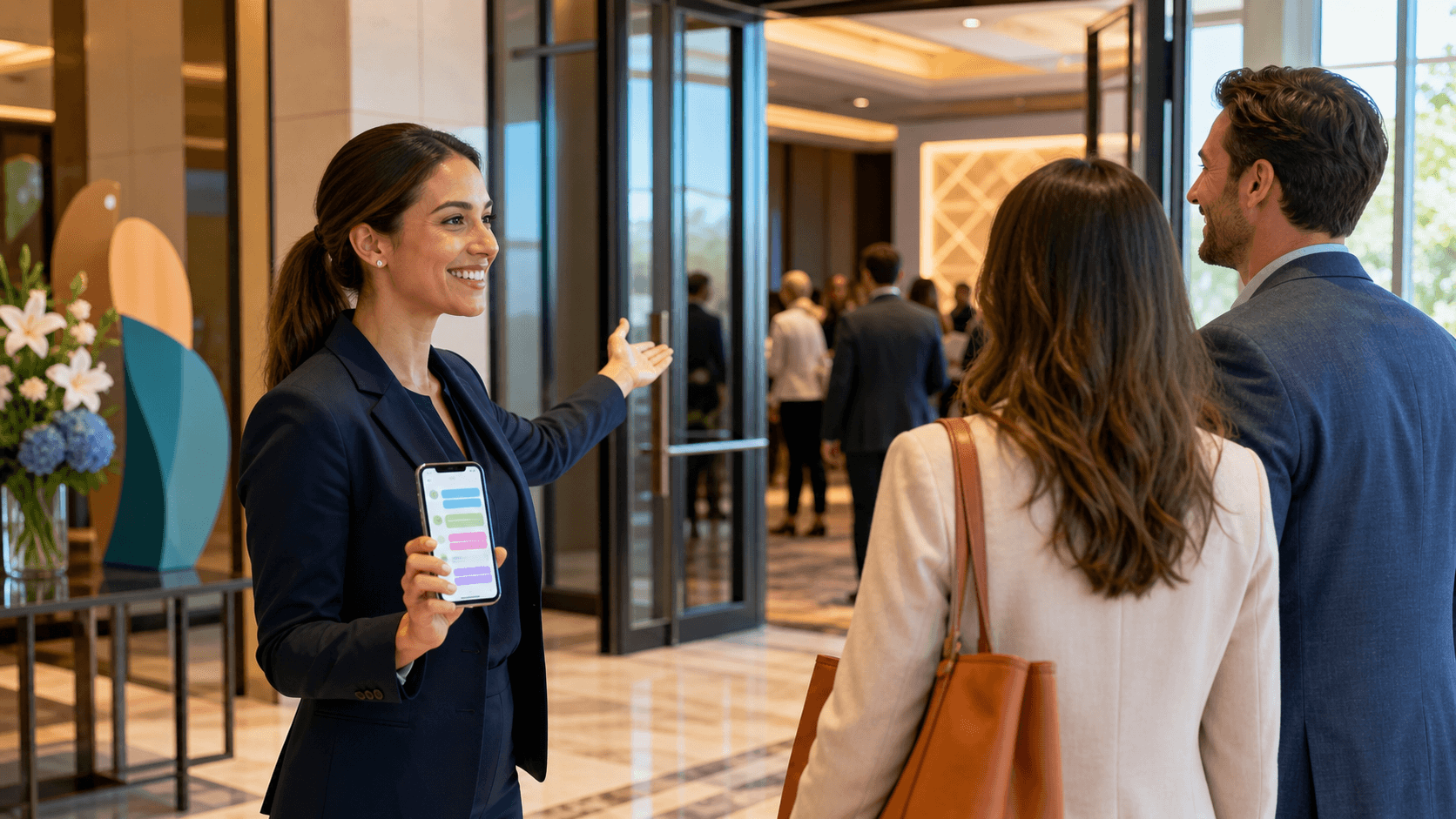
The first touchpoint can be as simple as a welcome text that confirms registration details and sets expectations for the event. From there, links in messages can point to maps, check-in forms, detailed agendas, or hotel information when needed. SMS handles the quick, high-value moments, while the web can handle anything that needs more screen space.
Compared to app push notifications, SMS messages tend to be more visible. People are used to checking their text inbox quickly, even in busy environments. That makes SMS ideal for time-sensitive updates such as:
- Room or stage changes
- Start time shifts or extended sessions
- Shuttle or rideshare pickup updates
- Door changes and security instructions
- Weather or safety alerts
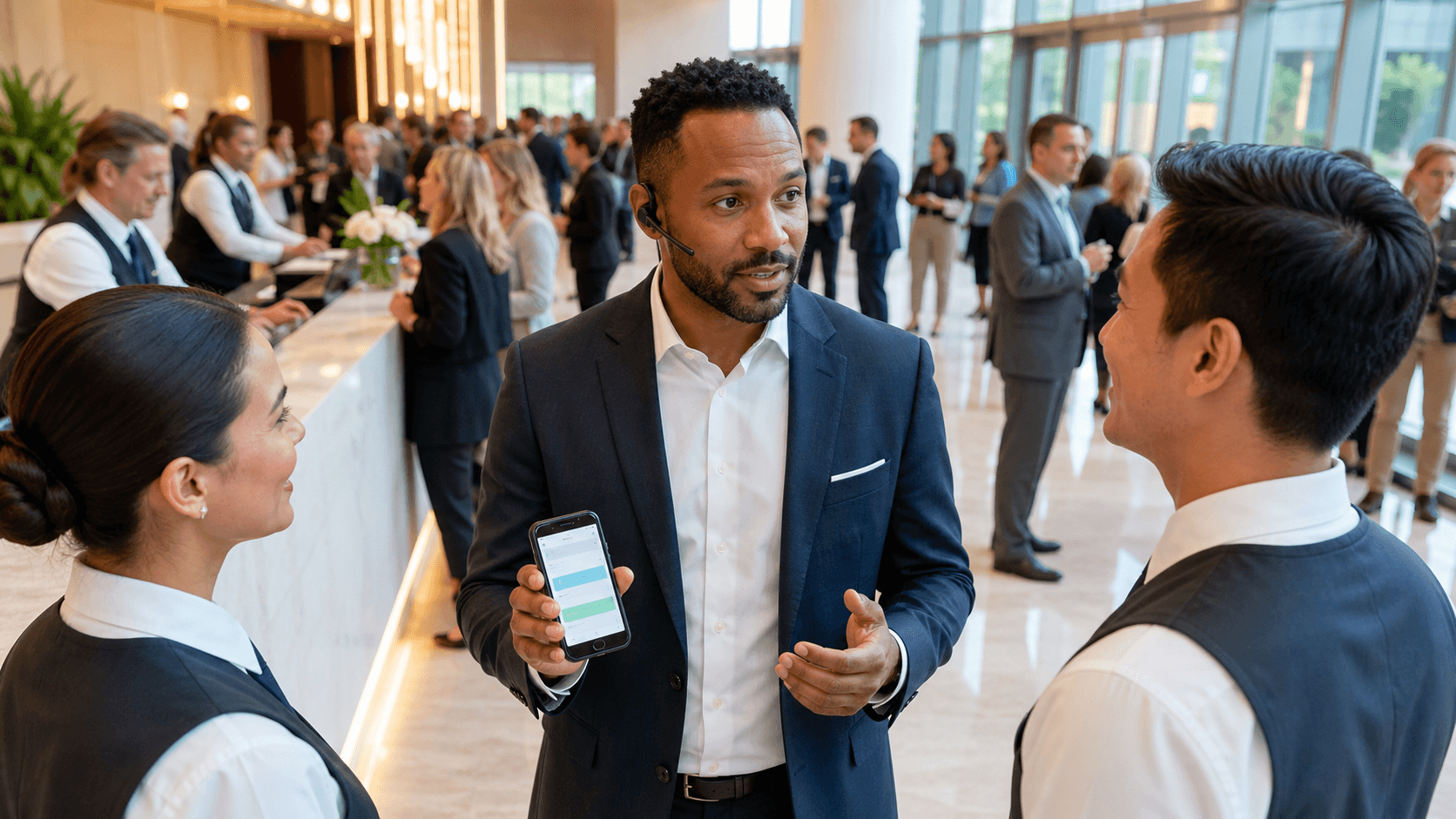
The real power comes from two-way communication. When texting for events, every attendee's phone becomes a direct line to the event team. Guests can ask simple questions like "Where is Session B?" or "Is the reception still on the terrace?" and get a quick, human response. On a platform like Concierge, teams can route these questions to the right staff based on topic, time, or location so messages do not get lost in a single inbox.
Replacing Event App Features with Smart SMS Workflows
Many of the features people expect from event apps translate surprisingly well to SMS once we rethink how information is delivered.
For schedules and agendas, instead of pushing everyone into a complex interface, we can:
- Send daily highlight messages each morning
- Offer keywords like "AGENDA" for the full schedule
- Allow replies with session codes for details
- Schedule reminders for keynotes, breakouts, and networking blocks
This keeps attention on what is happening next, rather than forcing guests to scroll through long lists while standing in a hallway.
Notifications and announcements also get simpler with texting for events. With segmented lists, teams can target messages to:
- VIPs who have private dinners or lounges
- Speakers who need call-time reminders
- Exhibitors who need dock access or setup details
- Attendees on specific tracks or in certain hotels
Because SMS is easy to see in noisy, crowded spaces, you are less dependent on attendees constantly checking an app or email.
Check-in, wayfinding, and on-site logistics fit naturally into a text-first plan. Event teams can send:
- Pre-arrival texts with check-in links and barcode instructions
- Directions to registration desks, badge pickup, or bag check
- Links to venue maps, quiet workspaces, or sponsor pavilions
- Updates on lines, security queues, or capacity limits
With a platform like Concierge, every SMS interaction is logged so staff members can see previous questions and answers before responding again. That context avoids repeat questions and lets teams hand off conversations without losing the thread.
What Event Teams Gain by Moving From Apps to Texting
Choosing texting over traditional event apps also makes life easier behind the scenes. A text-first strategy simplifies the tech stack, because there is no app build, app store approval, or multi-device testing. Instead, teams work in a single dashboard, upload attendee lists, create segments, and set up scheduled messages in advance.
This streamlined setup reduces pre-event stress and gives staff more bandwidth to handle late changes. When plans shift, updating a few scheduled texts or sending a quick broadcast is much faster than adjusting app structures and hoping people see the update.
From the attendee side, texting for events often feels more personal. A direct, friendly message that arrives right when it is needed sends a clear signal: someone is paying attention. That sense of being "looked after" can be the difference between an event that feels chaotic and one that feels thoughtfully managed.
Two-way texting also surfaces issues early. Instead of complaints piling up quietly, guests message about small problems like unclear signage, room temperature, or food options. Those small signals help teams fix things before they grow into bigger frustrations.
On the data side, a guest communication platform like Concierge gives event leaders visibility into what is working. Delivery reports, response patterns, and common questions all live in one place. Over time, these insights highlight:
- Repeated schedule or room confusion
- Frequent questions about certain sessions or spaces
- Times of day when guests need the most guidance
- Areas where physical signage or staff presence could be improved
This kind of feedback is often harder to see inside event apps, where analytics tend to focus on feature clicks rather than real conversations.
Making Texting the Communication Backbone of Your Events
To shift from an app-first mindset to a text-first approach, it helps to start with your communication plan. Look at the features you actually use in your current event app, and ask which ones truly require an app and which ones only require timely information. For many teams, schedules, alerts, directions, and basic support are perfect candidates for SMS.
Map the attendee journey from registration to post-event follow-up, then decide where texting can replace or strengthen what you do now. Common messaging categories include:
- Pre-event prep and travel info
- Arrival, check-in, and registration
- Daily schedules and session reminders
- Live updates and problem-solving during the event
- Feedback requests and resource sharing after the event
To make this work at scale, you need more than individual staff phones. A centralized SMS platform built for events lets teams share an inbox, automate common replies, use templates, schedule messages, and segment audiences. Concierge focuses on helping corporate and hospitality event teams coordinate exactly this type of real-time messaging.
With a bit of staff training, clear internal roles, and a simple pre-event message that sets expectations for attendees, texting can become the backbone of your communication strategy. Event apps often add friction, while SMS quietly removes it, so you can keep guests informed, supported, and confident from start to finish.
Transform Your Next Event With Seamless Guest Communication
Elevate your guest experience by using our texting for events solution to keep everyone informed, engaged, and on schedule. At Concierge, we help you automate reminders, coordinate staff, and send real-time updates without adding extra work to your plate. Whether you are managing a conference, gala, or private gathering, we make communication smoother and more reliable. Let us partner with you to create a connected event that feels effortless for your team and your guests.