Turn Your Event Help Desk Into a Real-Time Command Center
A slow help desk can quietly wreck a great event. Long lines, missed emails, and guests wandering around confused pull energy away from the sessions and moments that really matter. When people need help, they rarely have patience for forms or portals. They just want a fast, clear answer.
Real-time event messaging flips that old model. Instead of guests hunting for a booth or digging through an app, they text a single number and get help right away. On the back end, your team sees every message in one shared inbox, works together in real-time, and spots patterns as they happen. In this article, we will walk through how an SMS-powered command center can replace slow, siloed help desks with quick, friendly, conversational support that keeps your event running smoothly.
Why Traditional Help Desks Break Down During Live Events
Traditional help desks were built for a slower world. You put up a booth, print some signs, share an email address, and hope people find you if they are stuck. That structure struggles when sessions flip fast, rooms fill up, and guests are moving all day.
Here is where old-school help desks usually fail at live events:
- Long lines that scare people away from asking for help
- Emails that sit unread because guests are on the move
- Event apps that many people never download or do not open again
Attendees are walking, talking, checking in, and trying to find their next session. They do not want to search for a portal or remember a password. Even finding the help desk booth can feel like work, especially in a large venue or during a busy break.
For organizers, this creates blind spots. You often do not hear about issues until they are already big problems, like:
- Crowded hallways or rooms filling faster than planned
- Confusion about schedule changes or locations
- Surprise transportation delays or check-in hiccups
When support feels hard to reach, guests make their own guesses or simply get frustrated. That frustration sticks. It shapes how they talk about your brand, whether they come back next year, and how they remember the entire event, even if your content was great.
How Real-Time Event Messaging Redefines Guest Support
Real-time event messaging is simple: guests text a dedicated phone number for help, updates, and answers, and your team replies in live, two-way conversations. No app, no portal, just the messaging app people already know by heart.
This style of support fits how attendees actually move through an event. They can:
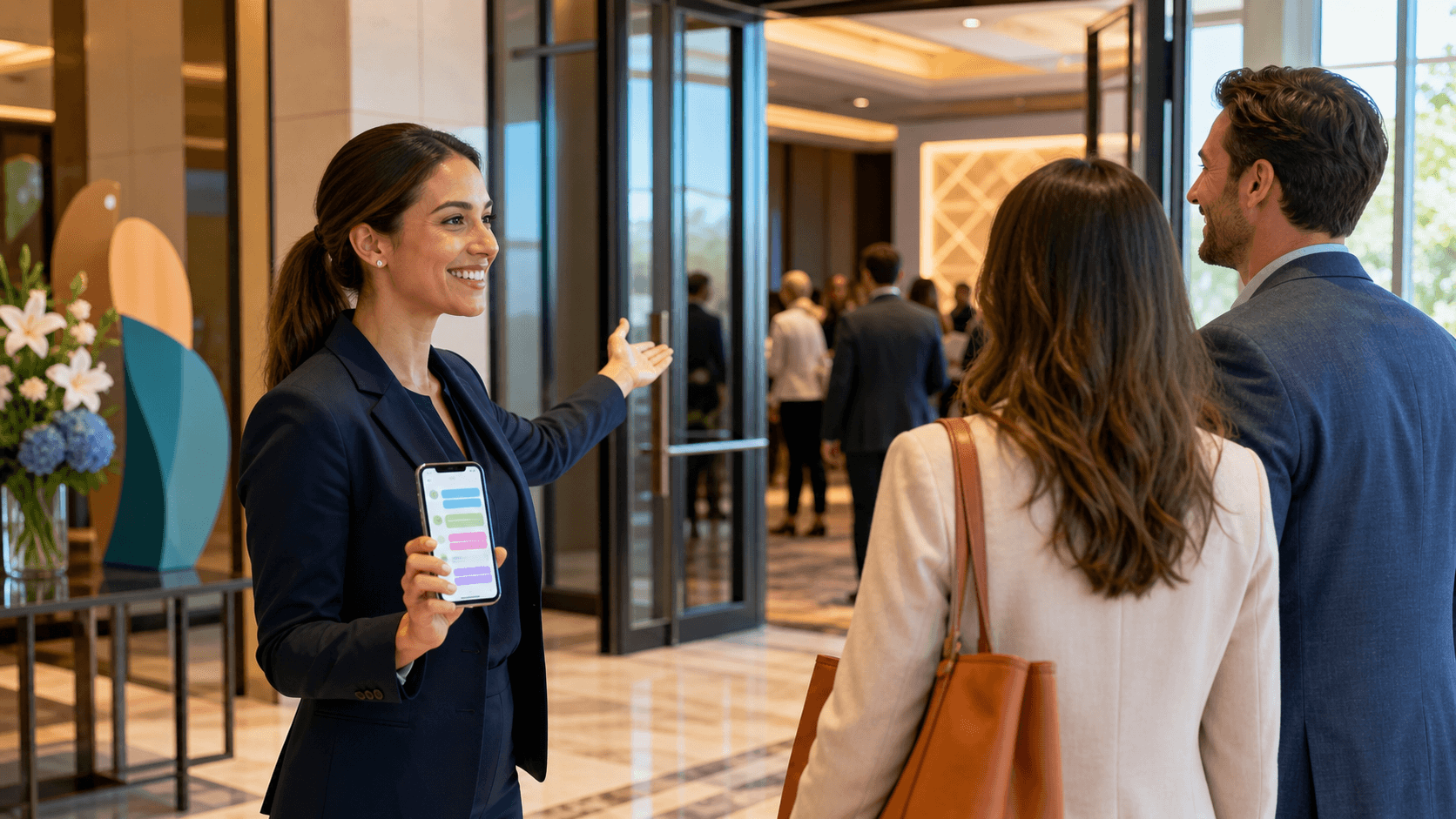
- Text a quick question while walking between sessions
- Ask for directions without stepping out of line
- Get clarifications without opening a laptop or finding Wi-Fi
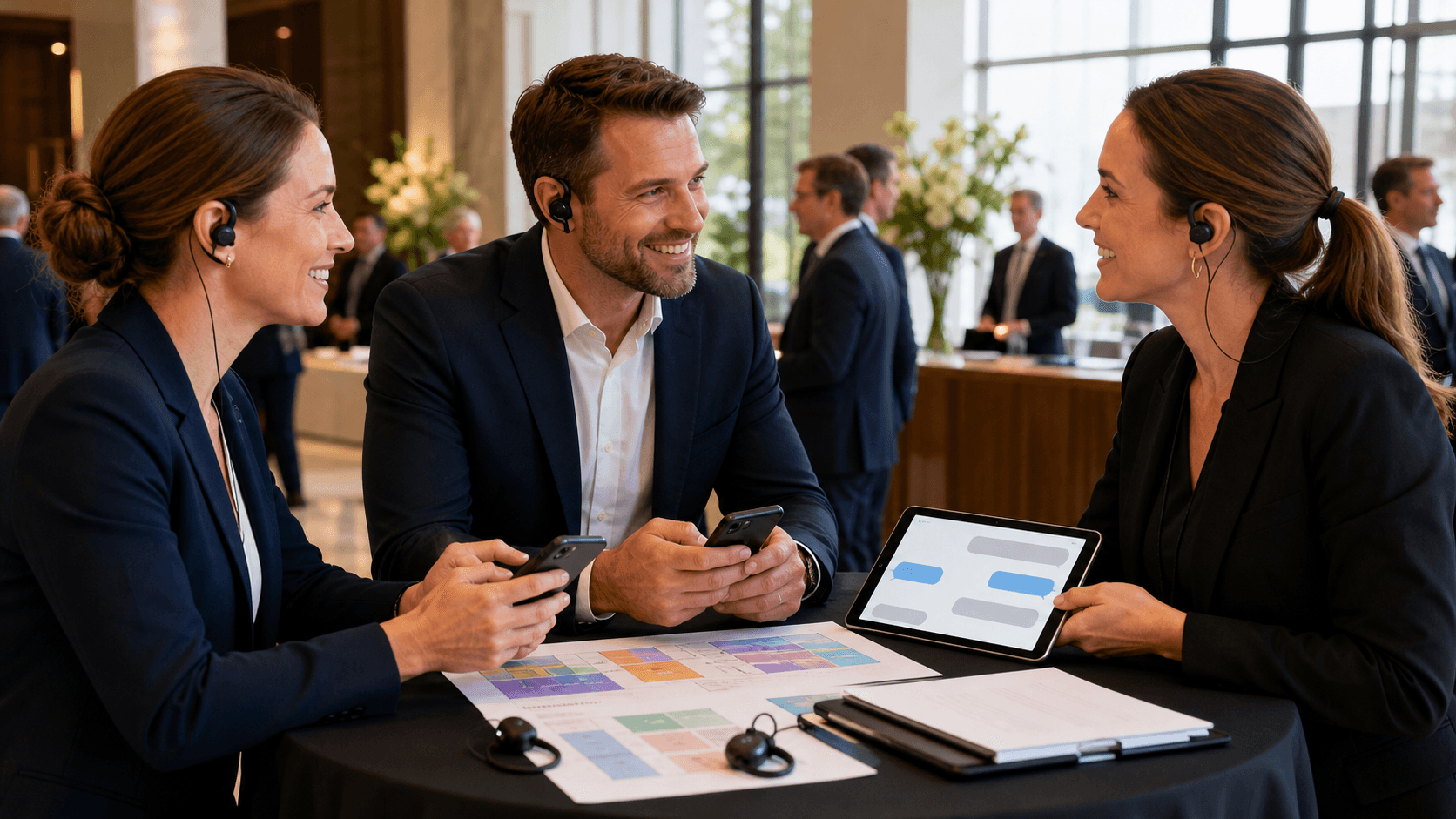
Behind the scenes, your team works in a shared inbox. Everyone can see:
- Incoming questions in one place
- Who is handling which conversation
- When a thread needs to be assigned or escalated
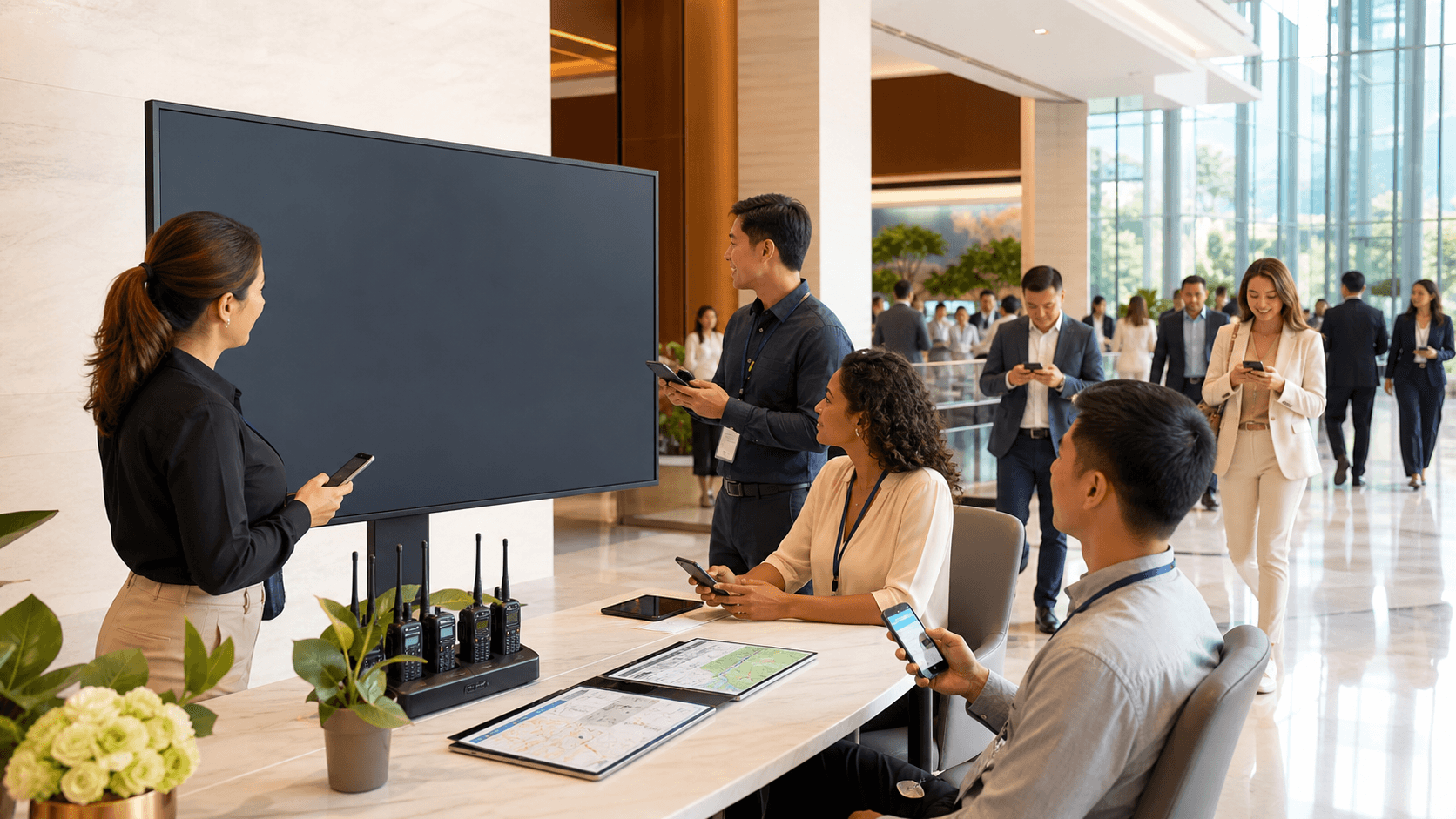
Instead of one person at a booth trying to do it all, you have a small team acting as an SMS-powered command center. They can tag questions, pass tricky issues to operations or security, and keep an eye on volume as it shifts through the day.
The best part is the shift from one-off, disconnected interactions to ongoing, conversational support. A guest can text before they arrive, during check-in, during sessions, and even after the event, all in one thread. Your team sees the full context, which makes each answer faster and more helpful.
From Static FAQ to Dynamic, Personalized Event Communication
Most events lean hard on FAQs, printed signs, and a big info page in the app. Those are helpful, but they are also static. They cannot see who is asking, where they are, or what they care about.
With real-time event messaging, you can respond in a way that is:
- Tailored to guest role, like VIP, speaker, sponsor, or attendee
- Linked to their session choices or ticket type
- Aware of their past questions in the same text thread
For example, VIP guests might get priority responses and private directions to lounges or meetups. Speakers might receive clear, direct updates on call times, room changes, or AV checks. General attendees might get nudges toward sessions that match the tracks they already asked about.
Message templates and saved replies help your team move fast without sounding stiff. You can keep ready-made answers for common questions like Wi-Fi, parking, or check-in times, then tweak each one slightly so it still feels warm and human. This mix of speed and care is what turns support from a chore into a relief.
SMS also helps with language and comfort. Some people are shy about walking up to a booth or asking a question into a mic. Texting feels safer and more private. Guests can take a second to type in their own words, then get a clear answer that stays in their phone for easy reference.
Powering Live Operations with Broadcasts and Instant Feedback
Real-time event messaging is not just for one-on-one help. It also gives you a fast lane for pushing important updates out to the right people at the right time.
You can send targeted broadcasts for things like:
- Room or stage changes
- Schedule shifts or added sessions
- Transportation or shuttle updates
- Check-in instructions or line management
- Safety alerts or weather-related changes
Instead of shouting into a crowded app notification feed, you segment your list by track, ticket type, or location. That way, people only get what they actually need. For example, only workshop guests get a room change notice for that workshop, not the entire attendee list.
Inbound messages then turn into a live feedback loop. As texts roll in, you can spot:
- Recurring questions that signal unclear signage
- Bottlenecks forming at certain doors or areas
- Confusion about badges or session access
When the same question pops up again and again, it is a sign to adjust operations, not just answer faster. Maybe you add a sign, send a quick broadcast, or move staff to a busy checkpoint. Over time, these real-time insights help you tune each event so it runs smoother than the last.
Making the Shift to an Event Messaging Help Desk
Moving from a static help desk to real-time event messaging takes some planning, but it does not have to feel heavy. Start by choosing one dedicated texting hotline and put it everywhere: tickets, badges, slides, printed programs, and pre-event emails. Make it clear that this is where guests should go when they need help.
On the team side, set up simple roles like:
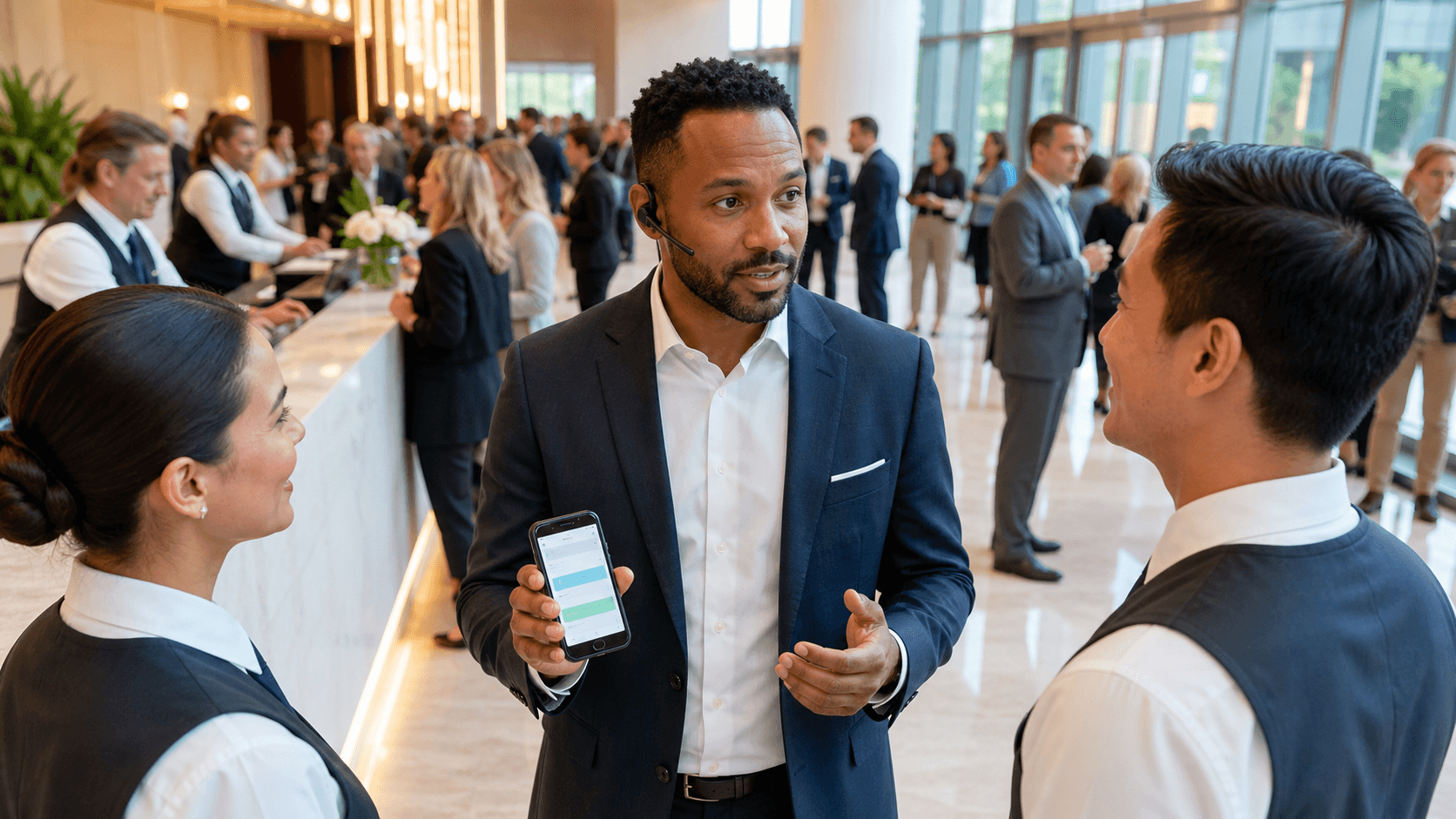
- First responders who greet guests and handle easy questions
- Routers who direct complex issues to operations, AV, or security
- Leads who manage escalations and keep an eye on volume
Agree on response time goals, what counts as urgent, and how to hand off tricky cases. A shared inbox tool keeps this organized so no message falls through the cracks.
It also helps to set basic messaging guidelines:
- Keep the tone clear, calm, and friendly
- Respect privacy, especially with personal or health details
- Explain when the hotline is monitored and when it is quiet
- Give guests simple opt-in and opt-out choices
Last, measure what you can. Track response times, resolution rates, and the most common question themes. After the event, you can review messages to spot gaps in wayfinding, programming, or communication, then plan changes for the future.
Turning Every Help Request Into a Relationship
At its heart, real-time event messaging is about trust. Every text is a moment where a guest says, "I am confused, can you help me?" How we answer shapes how they feel about the entire experience.
When we treat each message as a small relationship, not just a ticket, everything changes. Guests feel seen and supported instead of pushed around. Staff feels more in control, because they are not stuck behind a booth watching lines grow. And organizers gain a live view into what is actually happening across the venue, not just what shows up in a post-event survey.
At Concierge, we built our SMS platform around this idea of an event command center: one hotline, a shared inbox, and real-time insight into what guests need right now. With fewer lines, fewer missed questions, and more confident attendees, events become less about putting out fires and more about creating moments people remember for the right reasons.
Keep Guests Informed And Engaged At Every Moment
If you are ready to streamline communication and reduce event-day chaos, our team at Concierge can help you put smarter systems in place. With our real-time event messaging, you can keep guests, staff, and vendors aligned without constant manual updates. Let us show you how timely, targeted messages can improve guest satisfaction and help your team stay ahead of last-minute changes.