Why Rapid Guest Communication Now Defines Event Success
Fast, clear communication can make or break an event. When guests are confused, stuck in lines, or missing key updates, stress rises for everyone. When they get answers in seconds, the whole event feels smoother and more thoughtful.
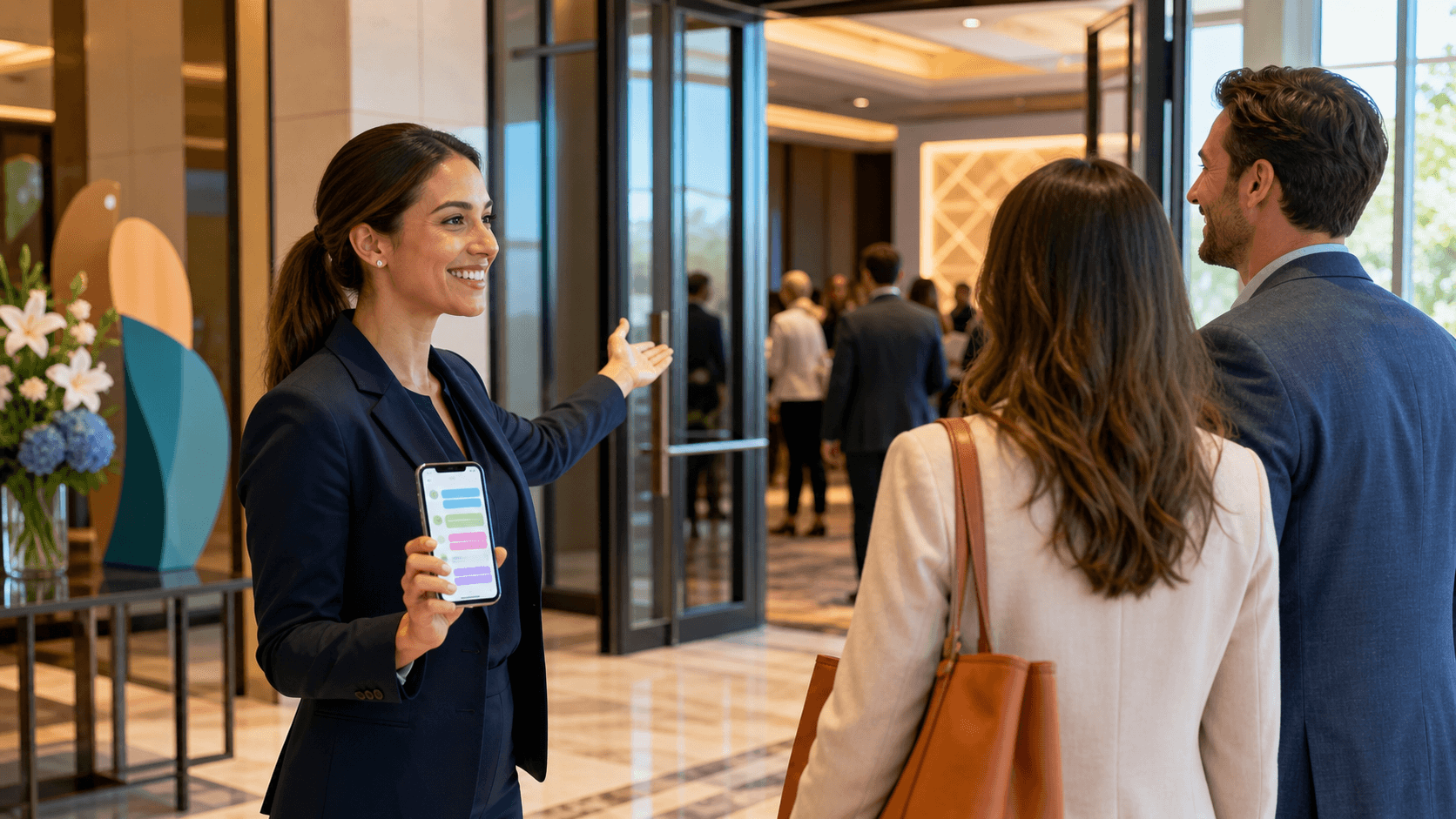
Guest expectations have changed. People are used to texting for everything, from food delivery to ride pickups. They expect that same simple, two-way experience at conferences, expos, festivals, and corporate events. They do not want to dig through an app or inbox to get help. They want to ask a quick question and get a quick reply.
Traditional channels still have a place, but they often fall short during high-pressure moments. Email gets buried. Event apps go unused or are hard to find on crowded phone screens. Printed signage cannot keep up when rooms change or weather shifts. When check-in bottlenecks form or a session moves at the last minute, these tools are simply too slow.
An event SMS platform closes that gap. It connects your operations team directly to guests through text, in real time, at scale. SMS cuts through noise, works on any phone, and is perfect for time-sensitive updates, directions, and support questions. It turns your communications plan into something guests can actually use when it matters most.
What an Event SMS Platform Really Does for Your Team
At its core, an event SMS platform is a shared workspace for guest texting. Your team uses one central system to send and receive text messages with attendees, both one-to-one and one-to-many. Instead of scattered phones and personal numbers, everything flows through a single, organized place.
Most strong platforms support things like:
- Real-time message threads with each guest
- Broadcasts for important announcements or changes
- Templates for common FAQs like parking, Wi-Fi, or badge pickup
- Tags or lists to group guests by track, VIP level, or location
This kind of tool connects directly to event operations from start to finish. Before the event, you can send reminders about arrival times, entry rules, or transportation. During check-in, guests can text if lines are confusing or they are not sure where to go. Once sessions start, your team can answer questions about room changes, accessibility, or food options.
After the event, SMS gives you a simple way to share follow-up info or a quick feedback link. Because all of the history lives in one place, staff can jump into any guest thread and understand what has already been said. No one has to ask the guest to repeat their issue. This shared context keeps support fast and consistent, even as team members rotate during long event days.
Core Features That Matter When Stakes Are High
When stakes are high and timing is tight, not every event SMS platform is equal. Some features move from "nice to have" to "non-negotiable."
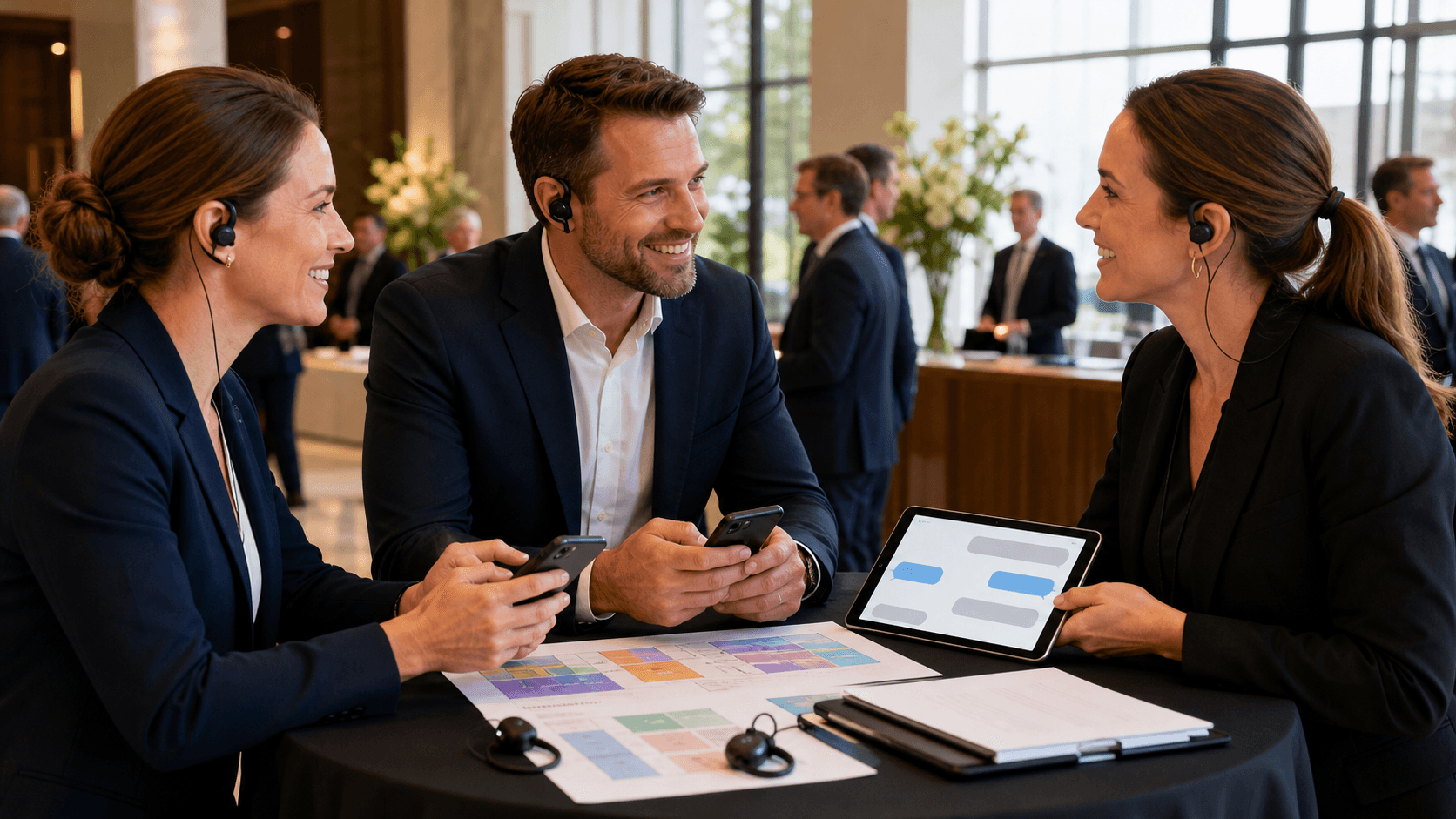
Shared inboxes are a big one. During peak times, like doors opening or a big keynote change, one person on one phone cannot keep up. You need a system where multiple staff members can work from the same number, see the same threads, and pick up messages without stepping on each other.
Automation also plays a big role, but it has to feel human. Helpful examples include:
- Keyword replies for common questions, like "parking" or "Wi-Fi"
- Scheduled texts for key milestones such as doors opening or closing
- Routing rules that send certain questions to specific teams
Automation should handle repeat questions so your live staff can focus on tricky or sensitive issues. Guests still feel like they are talking to a real team, not a robot.
You also need strong performance and reliability. Messages must send fast, with clear sender identity, so guests recognize who is texting them and feel safe opening the message. Slow or confusing texts can make a tense moment worse.
For large events, security and compliance matter too. That often means:
- Clear opt-in practices so guests know what they are signing up for
- Data protection aligned with your organization's standards
- Role-based access so only the right staff see certain conversations
These pieces help your comms stay trustworthy, especially at high-profile events with VIPs and sensitive details.
Designing Guest Support Flows That Actually Scale
A good event SMS platform is only half the story. The other half is how you design your guest support flows. If you want texting to scale, you need a simple plan that your team can follow when things get busy.
A helpful starting point is to map the guest journey:
- Pre-event: registration, travel, and arrival prep
- Arrival: parking, security, check-in, and first impressions
- Mid-event: sessions, meals, breaks, and special activities
- Departure: exit routes, shuttles, and post-event follow-up
At each stage, look for friction: parking confusion, room changes, crowded registration, lost-and-found, dietary questions, accessibility needs. Those are prime moments where SMS support can prevent long lines or frustrated guests.
It also helps to sort message types so your team knows how to respond:
- Information: schedules, Wi-Fi, dress code
- Wayfinding: "How do I get to Hall B?"
- Service issues: long lines, temperature complaints
- Accessibility requests: seating, mobility, or sensory support
From there, build simple internal playbooks. Decide which team handles which topics, how they answer, and when to escalate. Use templates and saved replies for repeat questions, but train staff to personalize when the situation is sensitive, like a lost item, a missed session, or a safety worry.
Response-time targets are another key piece. For example, you might set faster targets for safety or accessibility questions, and slightly slower ones for general info. Clear escalation paths help too, so if a message hints at a safety issue, VIP concern, or big operational problem, it instantly gets priority and lands with the right person.
Measuring the Impact of Your Event SMS Platform
To know if your event SMS platform is doing its job, you need to track a few simple metrics over time. Helpful ones include:
- Average response time
- Time from first message to full resolution
- Guest satisfaction scores or quick rating prompts
- Total incoming message volume and peaks by time of day
These numbers show how your support is working from one event to the next. Faster replies and smoother resolutions usually mean less stress for guests and staff.
Conversation tags and categories are just as helpful as the raw numbers. When you label threads by topic, you can spot patterns. Maybe you see tons of questions about shuttle pick-up spots, confusing signage, or badge reprints. Those patterns point straight to operational blind spots that you can fix in planning, not in crisis mode.
Transcript reviews are a powerful training tool. After an event, you can look at a few real conversations with your team. What answers worked well? Where did guests seem confused? These learnings help you refine templates, improve pre-event emails, and adjust your on-site info so common issues get solved before guests even think to text.
SMS is also a great way to gather quick, real-time feedback. Short prompts like "How is check-in going for you?" or "Is it easy to find your next session?" can reveal the true mood in the room. Because texting feels casual and easy, guests are more likely to share honest thoughts while they are still on site.
Turning SMS Guest Support Into a Strategic Advantage
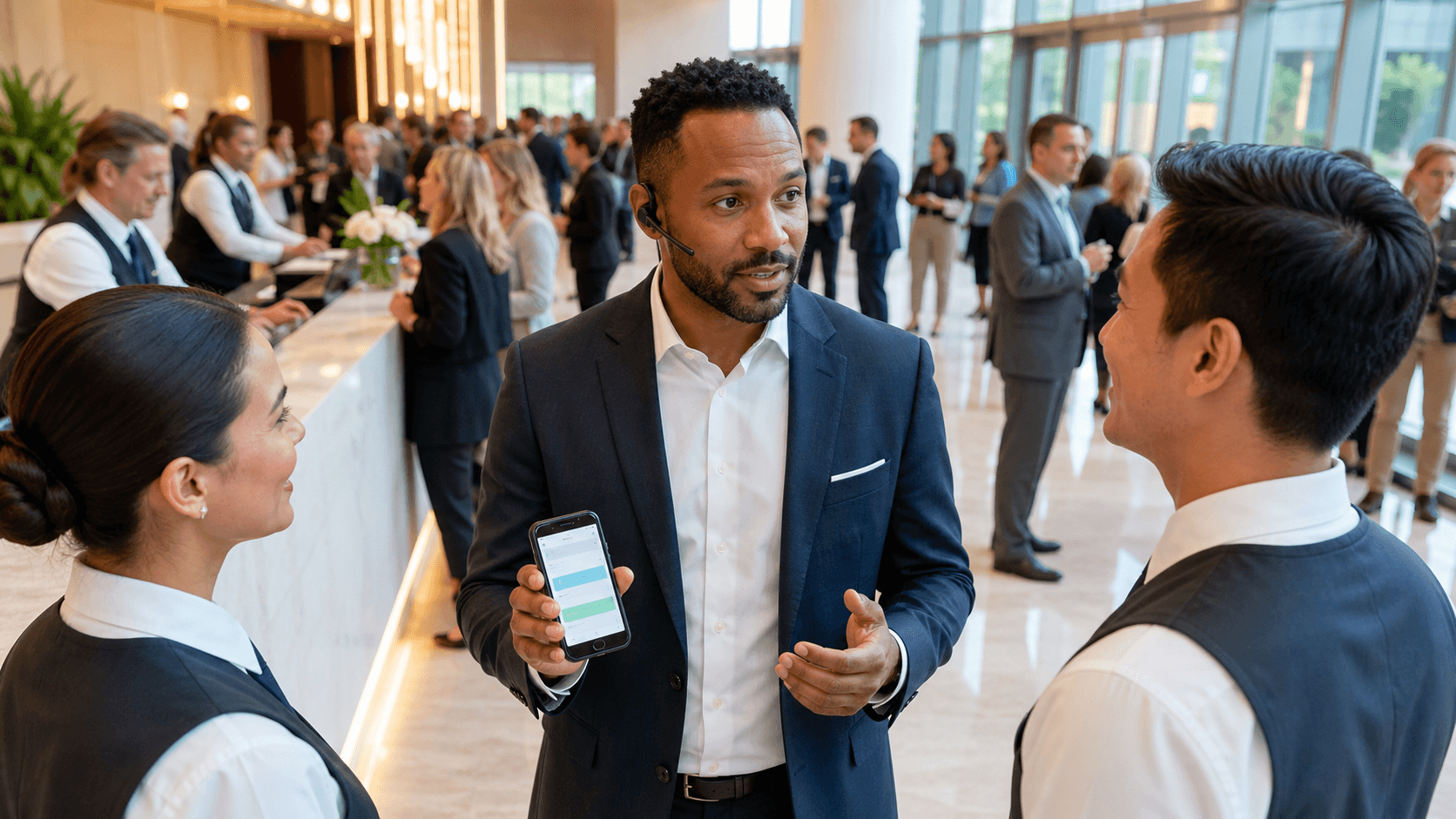
When SMS guest communication is treated as a core part of the operating plan, not a side channel, everything becomes calmer and more predictable. That means clear ownership, staffing, and workflows around your event SMS platform, not a spare phone thrown at a volunteer.
A simple checklist many teams use looks like this:
- Align on goals: speed, guest satisfaction, or reduced on-site confusion
- Map workflows: who handles what types of messages
- Assign roles: leads, backup staff, and escalation contacts
- Test before doors open: run practice drills with staff
- Debrief after each event: review what worked and what needs a change
When you run this way, SMS support stops being reactive. It becomes a steady, reliable part of the guest experience. Attendees feel taken care of. Staff feel more in control. The entire event brand comes across as organized, clear, and human.
With the right event SMS platform and well-designed workflows, your team can turn tough, time-sensitive situations into moments that quietly prove you know exactly what you are doing.
Transform Your Event Communication Into Real-Time Guest Engagement
If you are ready to eliminate missed messages and slow response times, our event SMS platform can help you reach guests instantly at every stage of your event. At Concierge, we make it easy to coordinate staff, share updates, and personalize communication without adding extra work to your day. Schedule a walk-through with our team so we can show you exactly how this fits your current tools and workflows. Let us help you turn every event into a seamless, memorable experience for your guests.